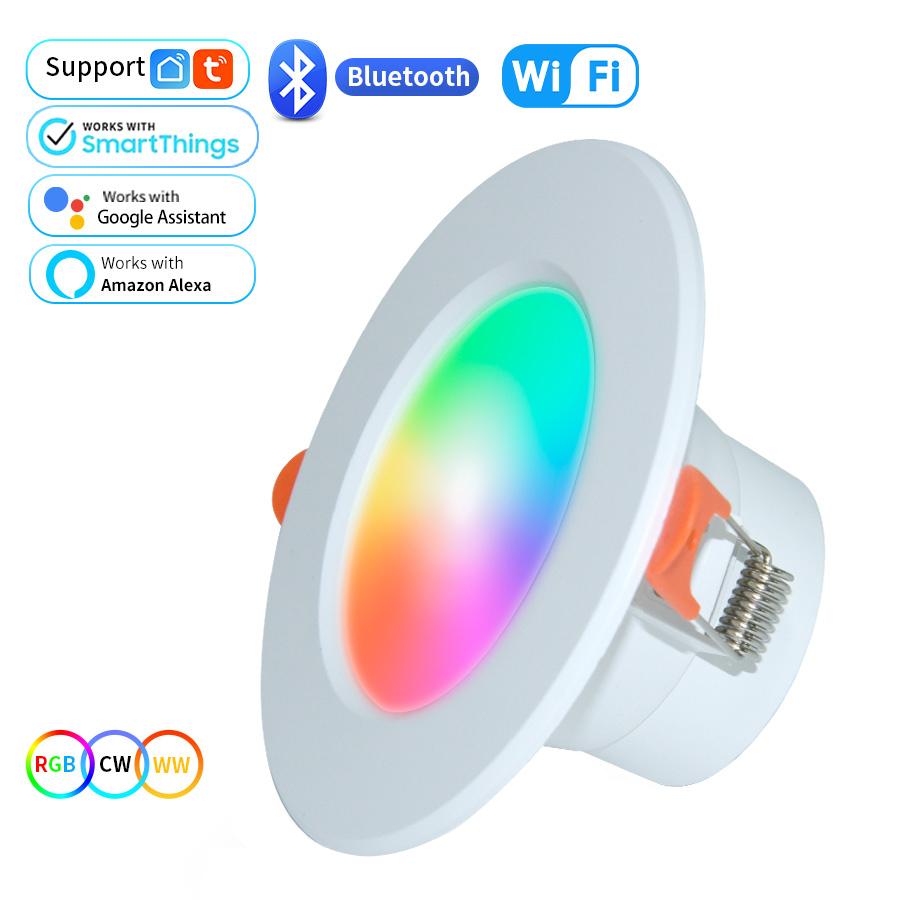
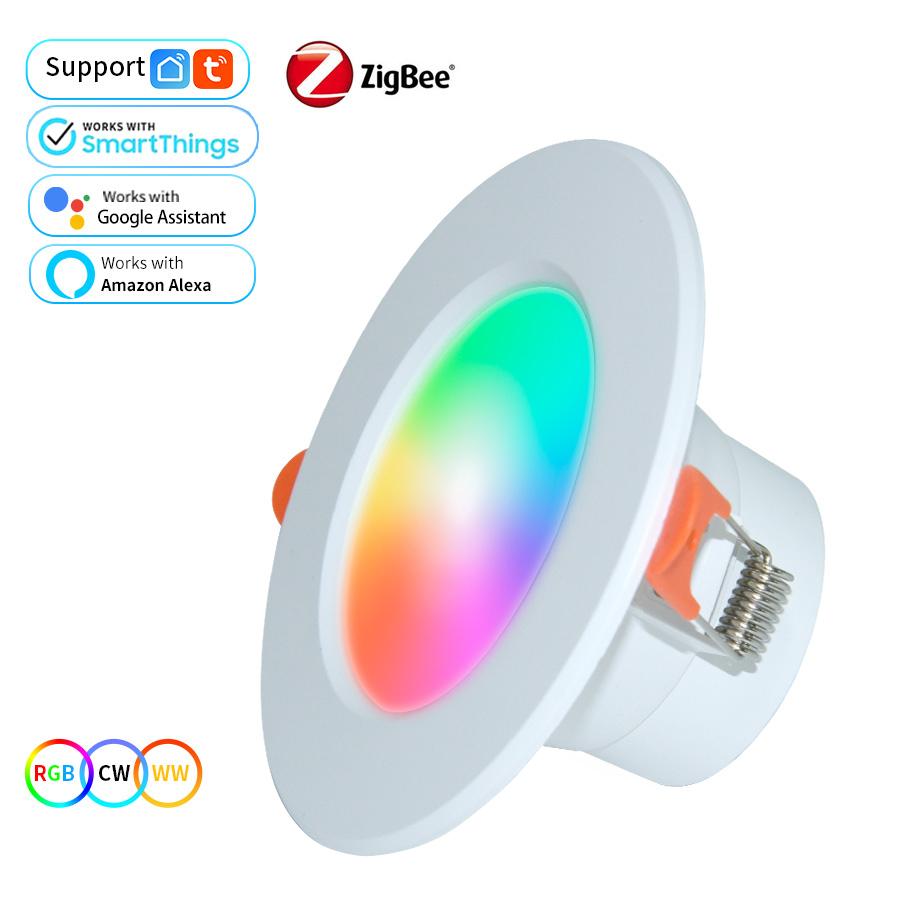
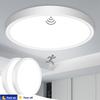
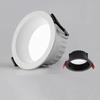
Model Number : Tuya WiFi Smart LED Downlight
Power Tolerance : 3%
Voltage : 90-260V
Application : Kitchen
Power Source : AC
Is Dimmable : Yes
Material : PVC/Plastic
Certification : ce
Brand Name : MeeToo
Origin : Mainland China
Type One : Tuya WiFi+Bluetooth 4.0
Type Two : Tuya Zigbee 3.0
Wattage : 5W 7W 10W 15W
Light Color : RGB + Cold White + Warm White
Support : 2.4G WiFi
APP Name : Tuya Smart / Smart Life
Features 1 : Group control
Features 2 : Brightness Adjustable
Features 3 : Timing Function
Features 4 : Work With Alexa Google Home Smartthings
Features 5 : wifi recessed light
Features 6 : Smart led downlight
Features 7 : wifi downlight
Features 8 : smart ceiling light
Features 9 : recessed ceiling led spot
Features 10 : Smart home Ceiling lights
functions.
Specification:
Voltage: AC85--265V 50/60Hz
Wattage: 5W/7W/10W/15W
Light Color: Warm White +Cold White + RGB (16 million+ colors)
Luminous flux: ≥100lm/W, RA≥80
Internet connection:WIFI+BLE(Dual mode) / Zigbee 3.0
WiFi Type: 2.4 GHz (not 5 GHz)
Product size: 98mm/115mm/145mm/190mm
Required hole size: 70-80mm/95-105mm/120-130mm/155-165mm
Color temperature range: 2700-6500K
FAQ:
1.Why the light doesn't light up?
Please check the wire connection. Don’t need to connect the ground wire. The live wire is connected to live wire, and the neutral wire is connected to the neutral wire.
Please check if the master switch is turned on.
2.Why can not the light connect to WiFi?
Please make sure that the WiFi is 2.4GHz.
Please make sure whether it is too far away from WiFi.
Please make sure whether to turn on the mobile phone Bluetooth.
Please check your WiFi if has been connected with too many devices.
3.Why doesn't the light work when it is installed outdoors?
Please connect it with WiFi and Bluetooth beside the router firstly, then you can put it outdoors. Keep the phone connected to the Internet and turn on Bluetooth, the light can be controlled by the phone even if it is far away from WiFi.
4.Why does the light automatically turn on without any control?
Please check if you have set a timed turn on for this light on the APP.
Please check if the network will be interrupted suddenly. If the network is interrupted, the light will lose the connection and turn on.
5.Why can’t the light flash after wiring?
Please repeat to turn on/off the main switch slowly several times. In generally, after turn the main switch on and off 3 times slowly, it will flash after several seconds when turn on for the fourth time.
How to connect smart lights:
Please scan the QR Code, or get Smart Life downloaded from App Store or Android Market.
Choice 1 : Add Manually (Please turn on your phone's Wi-Fi network)
1.1 Add Device:
Click"+" to add a device. (Please turn on your phone Wi-Fi network)
1.2 Go to add the Smart Bulb(Add Manually)
Click "lighting button to choose Light Source (Wi-Fi) or Light Sorce (BLE+Wi-Fi)