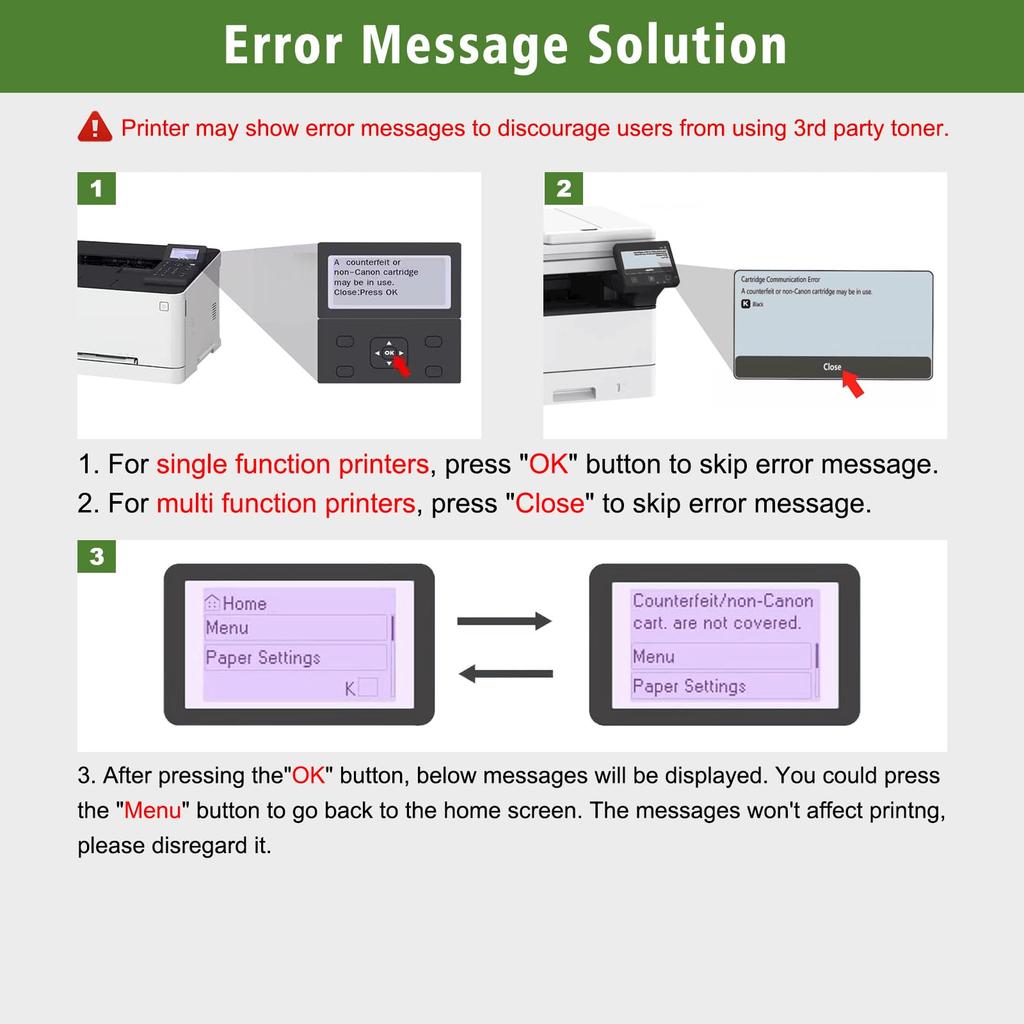
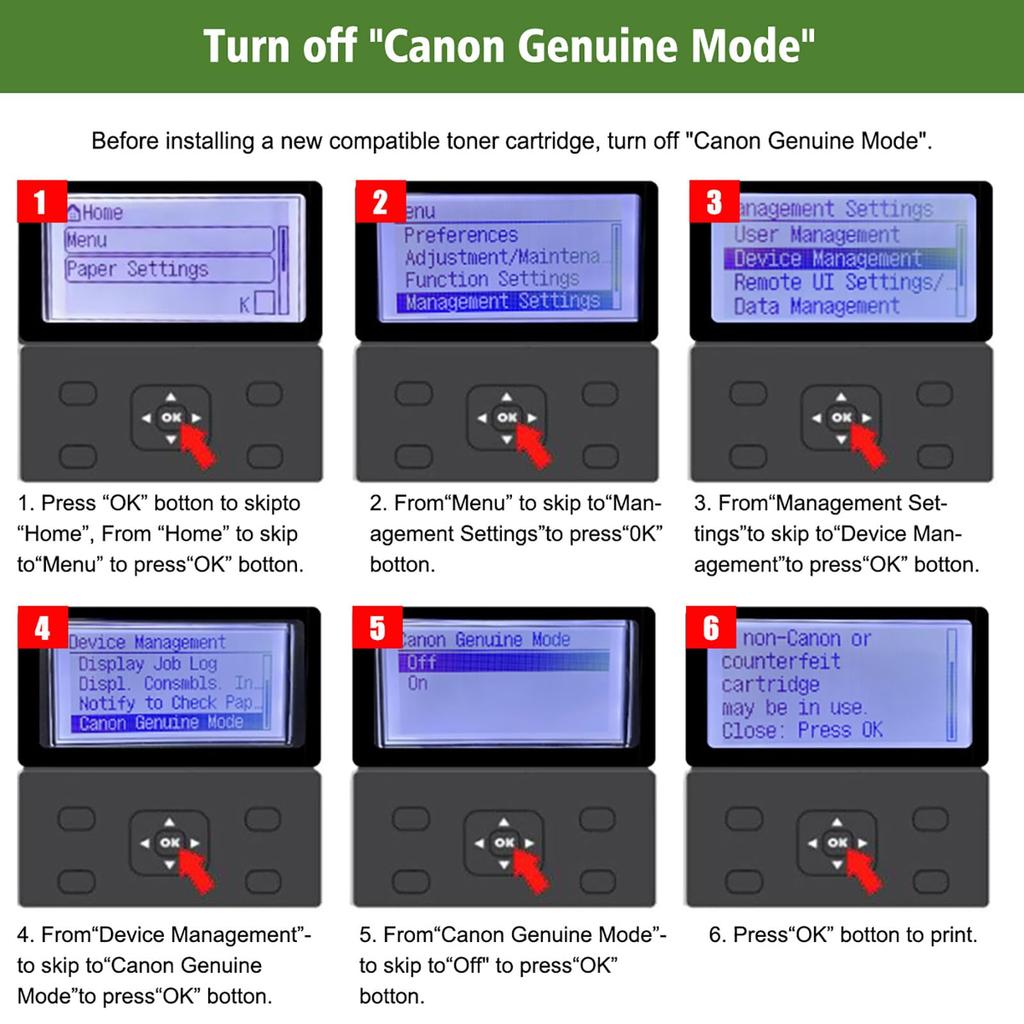
[Note] If your printer has a "Canon Genuine Mode" option, it is important to disable this setting. To turn off Canon Genuine Mode, follow these steps: Menu > Administrative Settings > Device Management > Canon Genuine Mode > Off. After disabling Canon Genuine Mode, proceed with installing compatible toner. If you see the message "A non-Canon cartridge may have been inserted," press the "OK" button on your single-function printer or click "Close" on your multifunction device screen and the toner will function properly.
Equipped with a state-of-the-art counter chip, it easily measures and accurately displays remaining toner, reducing waste and maintaining consistent, vibrant colors throughout the printing process, preventing colors from fading or becoming lighter over time. Supports sending and receiving faxes.
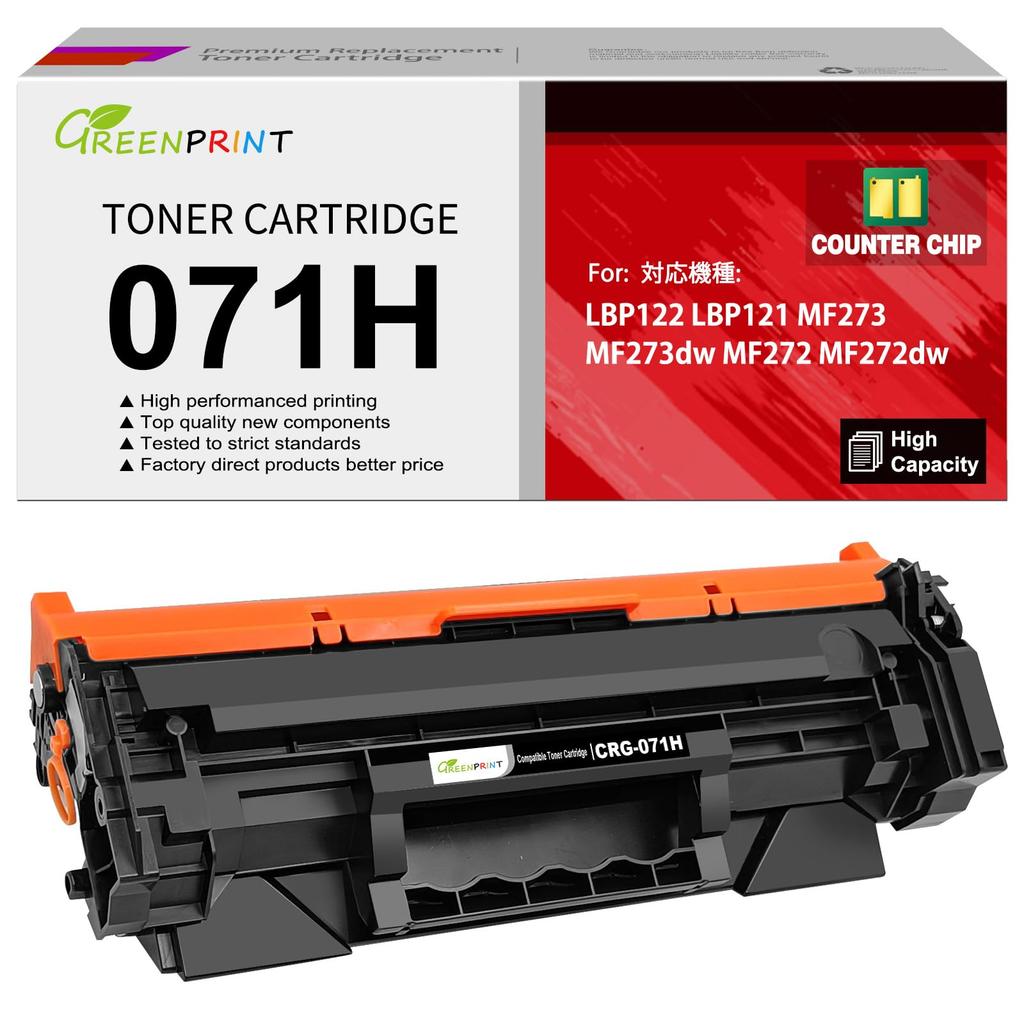
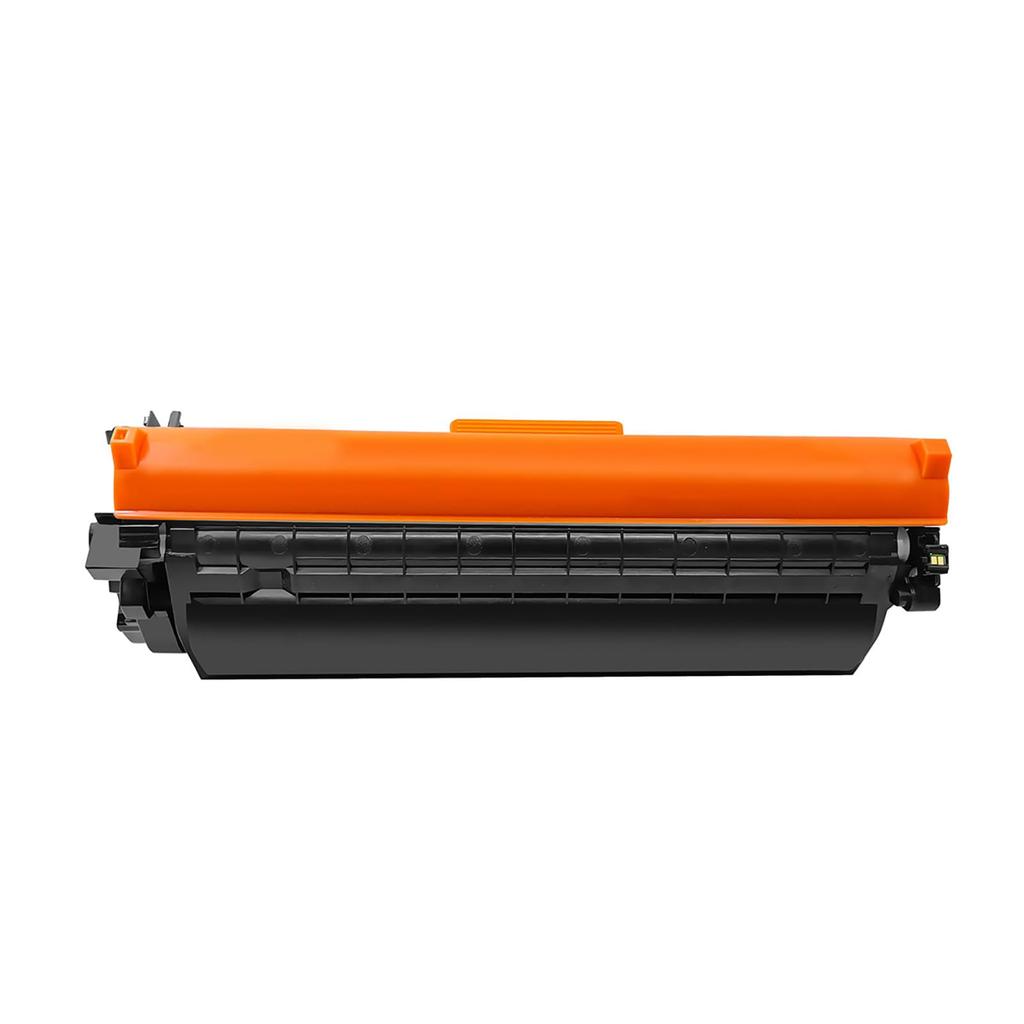
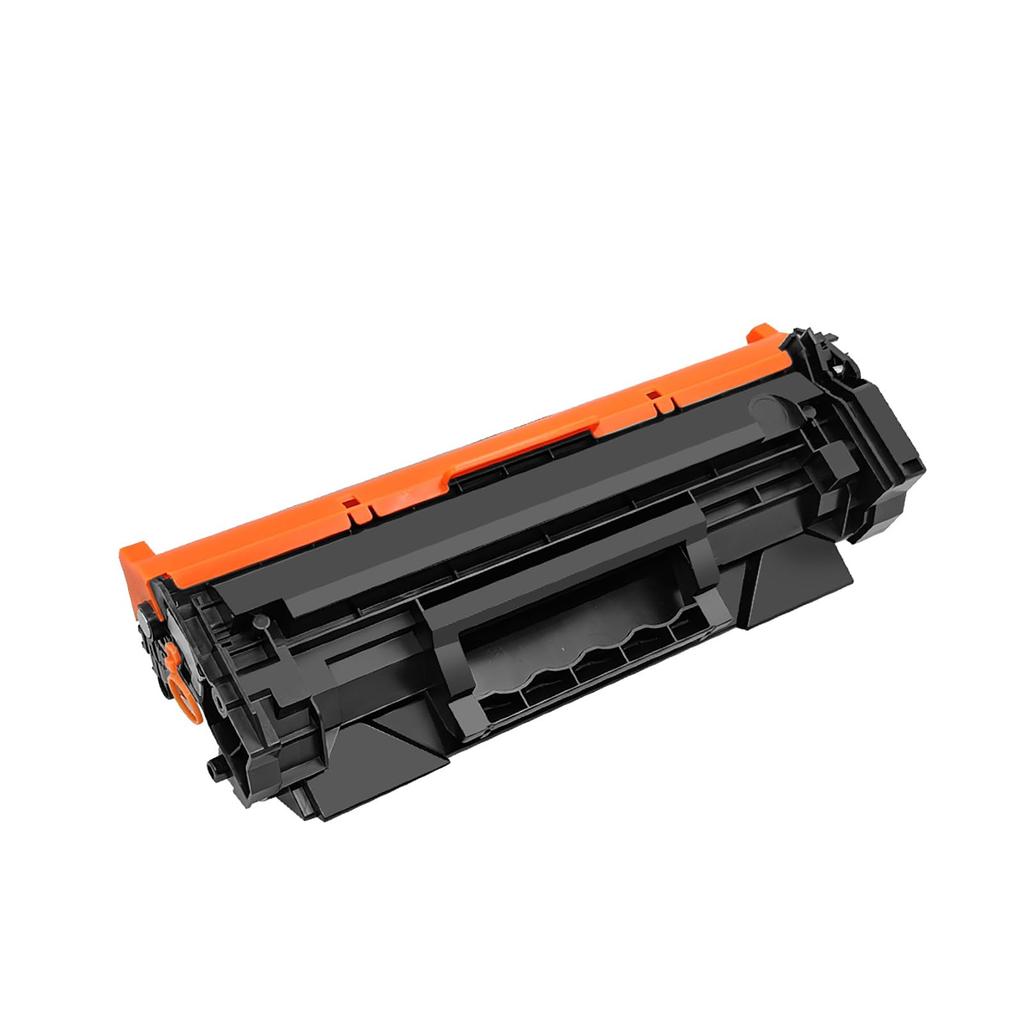
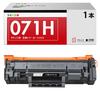
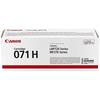
[Item Contents] Compatible toner cartridge for 071H CRG-071H CRG071H (071 CRG-071 CRG071) with a remaining toner level counter chip. Our 071H CRG-071H CRG071H compatible toner cartridge is an alternative to the original Canon 071H CRG-071H CRG071H, 071 CRG-071 CRG071 toner cartridge.
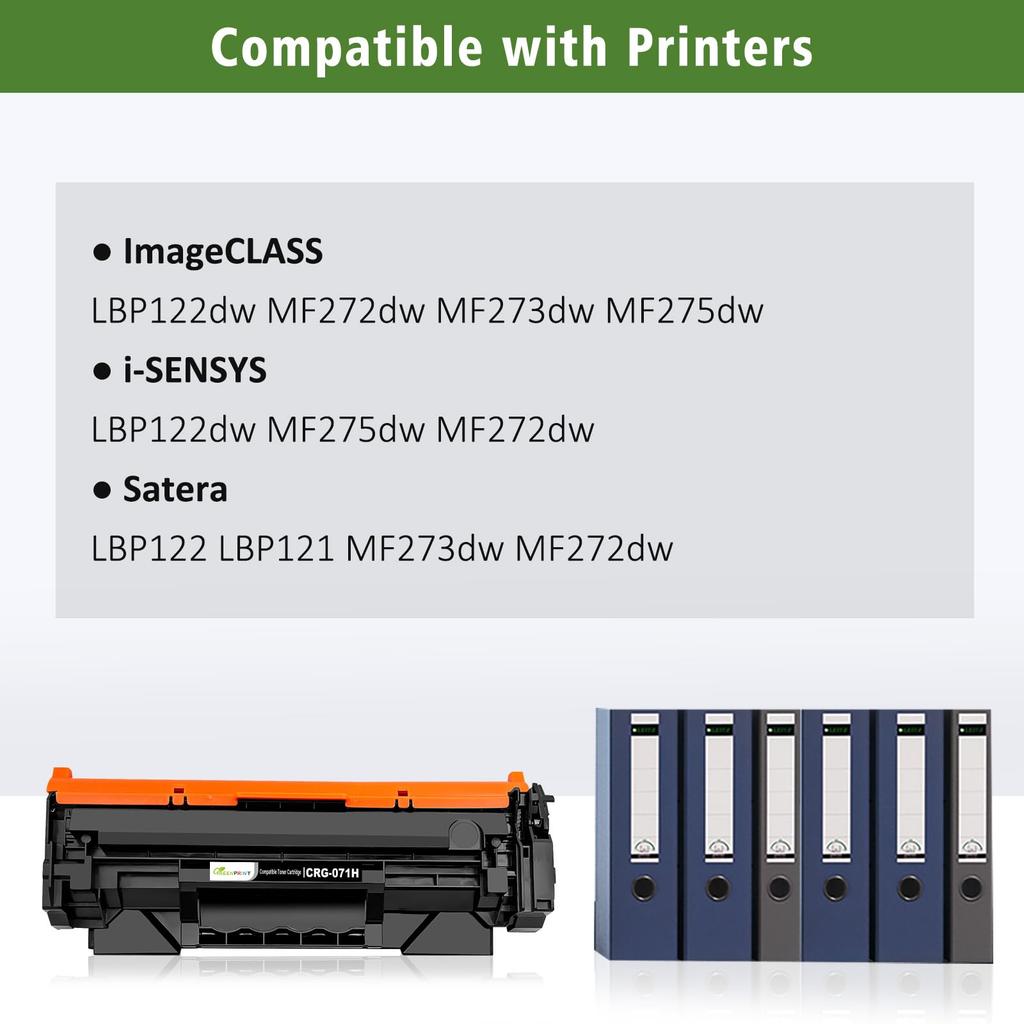
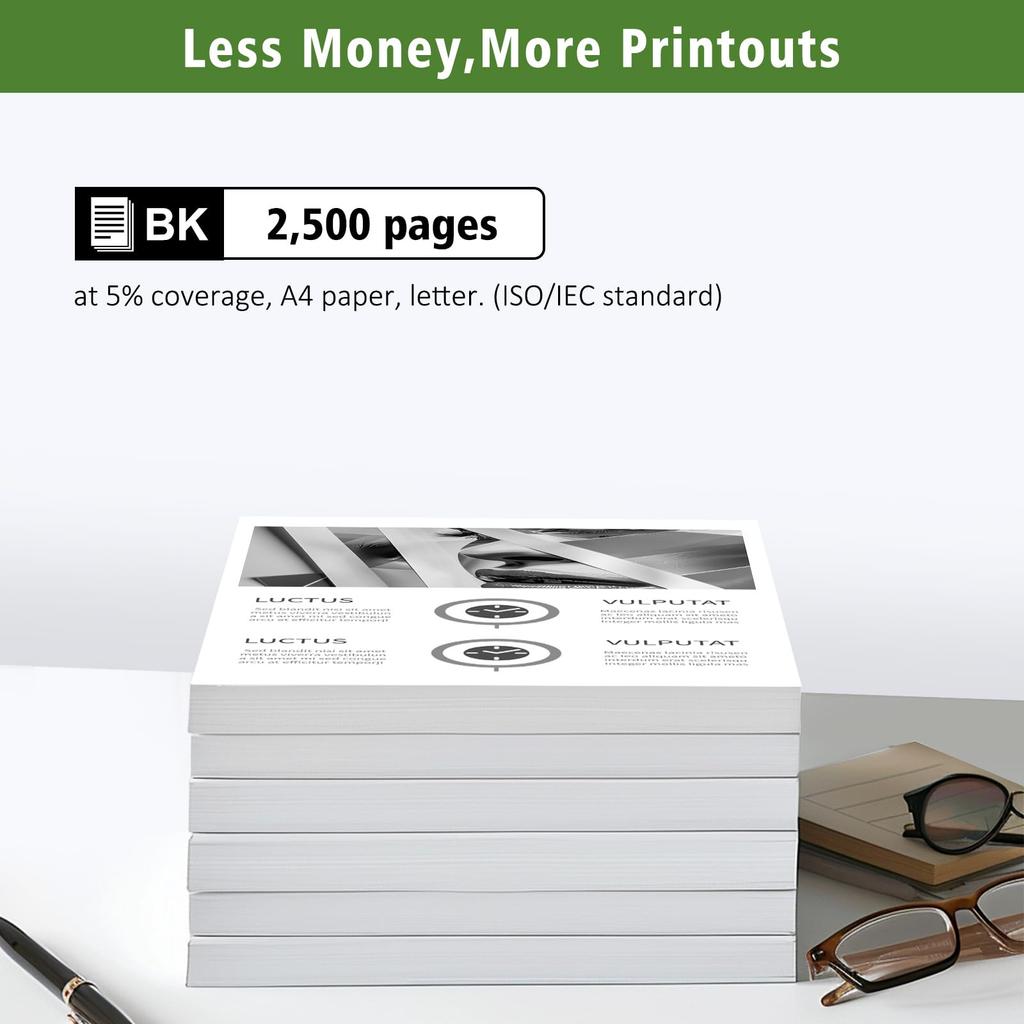
Printer Compatibility: Compatible with Canon laser printers including the Satera LBP122, LBP121, MF273dw, MF273, MF272dw, and MF272. Page Capacity: High capacity, 2,500 black pages at 5% coverage (A4, letter size, ISO/IEC standard).
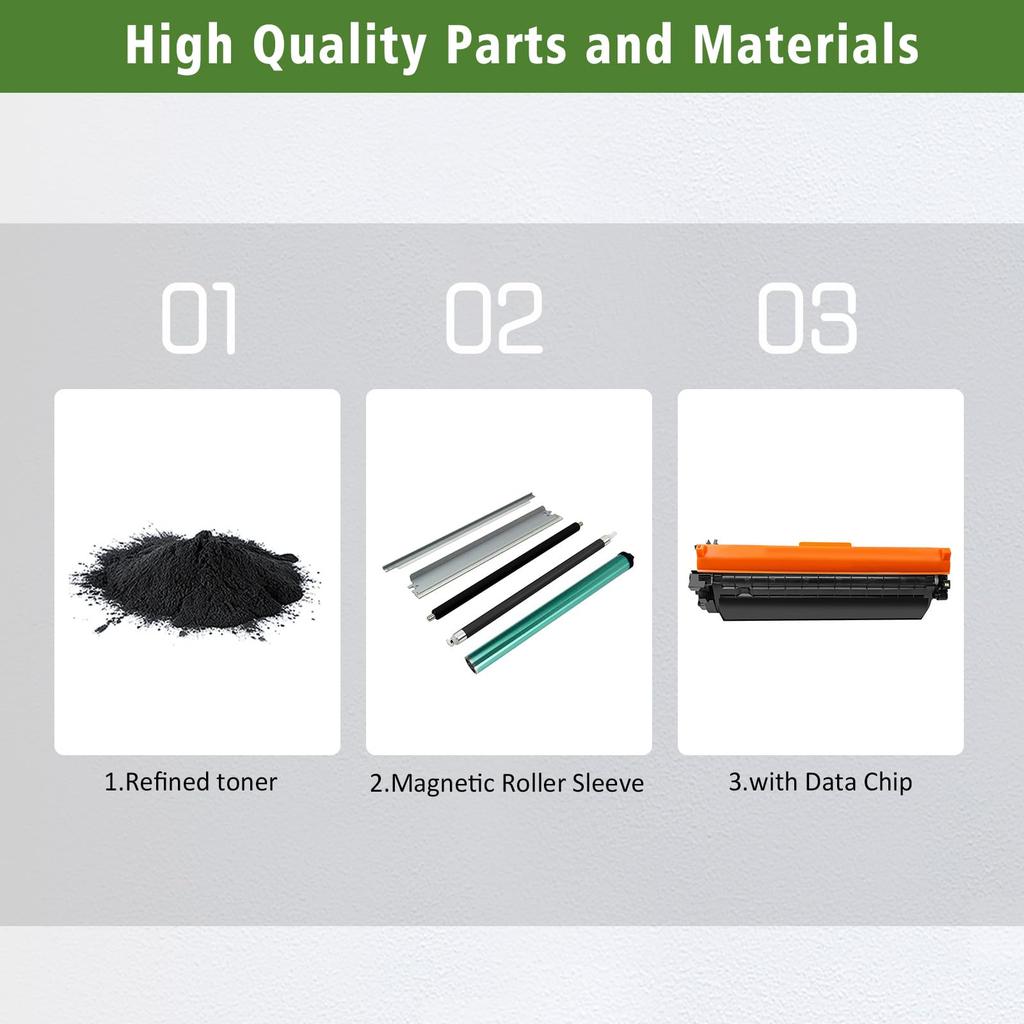
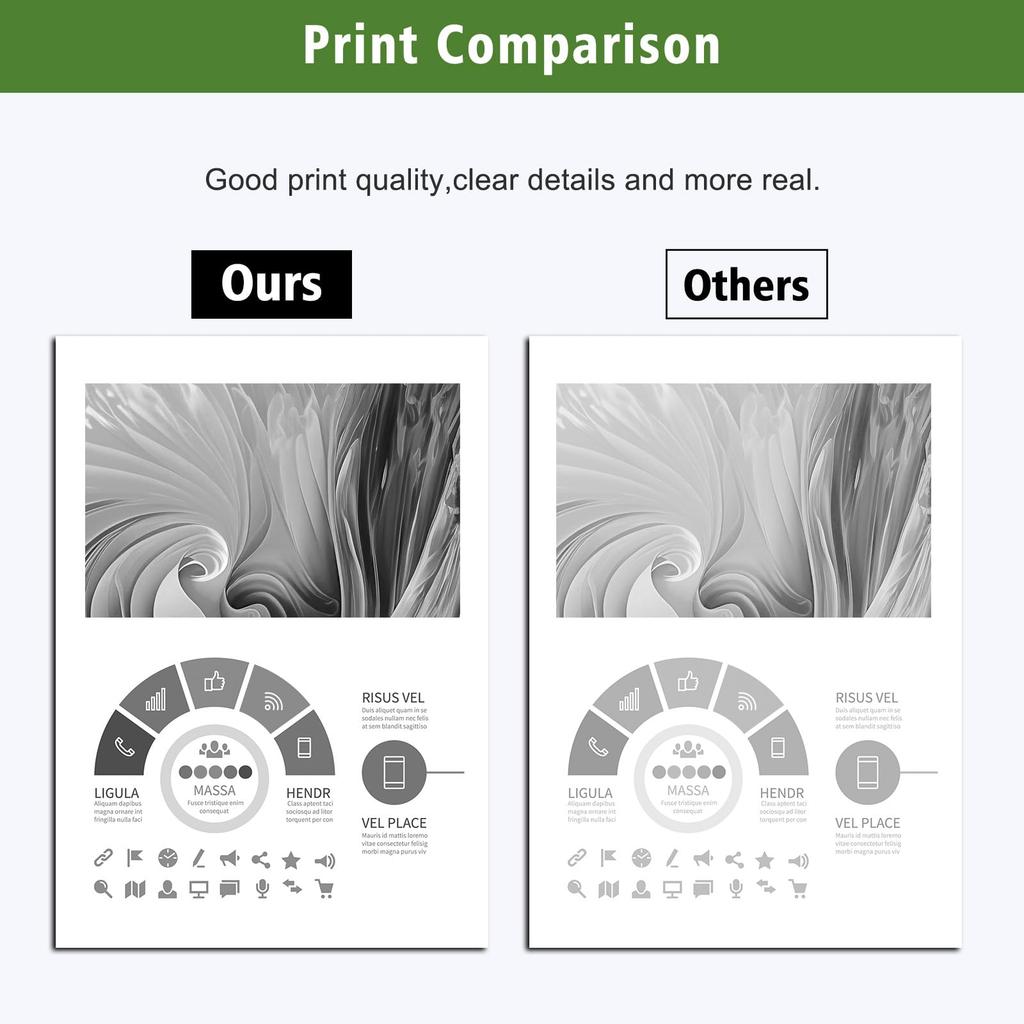
High-Quality Materials: We use a durable OPC drum, high-quality toner powder, a stable magnetic roller, a premium charging roller, and a sturdy blade to ensure consistent, clear printing. Clear printing results: Produces vivid images, ensuring clear text and lines, providing visual comfort. Whether in the office or at home, this printer can easily handle all your printing needs, including designs, vivid posters, brochures, photos, and drafts.
specification
Compatible toner cartridge 071H CRG-071H CRG071H (071 CRG-071 CRG071) with remaining amount display function chip.
With data chip:
Our compatible toner cartridges feature a data chip that accurately displays remaining toner capacity, ensuring sufficient page yield. This feature maintains consistently vibrant colors throughout the printing process and prevents colors from fading or lightening over time. In contrast, other toner cartridges that use decorative chips lack the ability to display toner levels, which may initially result in acceptable print quality. However, as pages are printed, colors may gradually lose their vibrancy.
Our 071H CRG-071H CRG071H compatible toner cartridge is another choice for original Canon 071H CRG-071H CRG071H, 071 CRG-071 CRG071 toner cartridge.
Compatible printers:
Canon laser printer Satera LBP122 LBP121 MF273dw MF273 MF272dw MF272 series.
Page Capacity: High capacity, 2500 pages black at 5% coverage (A4 paper, letter size ISO/IEC standard).
Warranty period: 12 months
How to save:
Typical conditions are a temperature of 10-30°C and a relative humidity of 20-80%.
packing
Inner product packaging: black plastic bag
Packaging: Neutral box
Individual Box
Quantity: 1 x Black
Attention!!! If your printer has a "Canon Genuine Mode" option, it is important to disable this setting. To turn off Canon Genuine Mode, follow these steps: Menu > Administrative Settings > Device Management > Canon Genuine Mode > Off. After disabling Canon Genuine Mode, proceed with installing compatible toner. If you see the message "A non-Canon cartridge may have been inserted," press the "OK" button on your single-function printer or click "Close" on your multifunction device screen and the toner will function properly.


 No-delivery refund




![W1420A 142A Black Toner [No Chip With Tools] Compatible With Hp 142A W1420A 142X W1420X Toner For Hp Laserjet Mfp M140W M14](https://img.joomcdn.net/8e9b96b96227872a082dab80035cd607f30b33b9_100_77.jpeg)