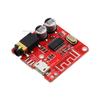
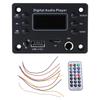
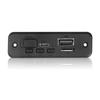
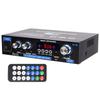
【 Product Introduction 】
1.This product can operate on direct current between 7V-12V. Good sound quality without interference, Bluetooth effective distance of 20M in open areas.
If there are walls or other obstacles blocking, the transmission distance will be reduced.
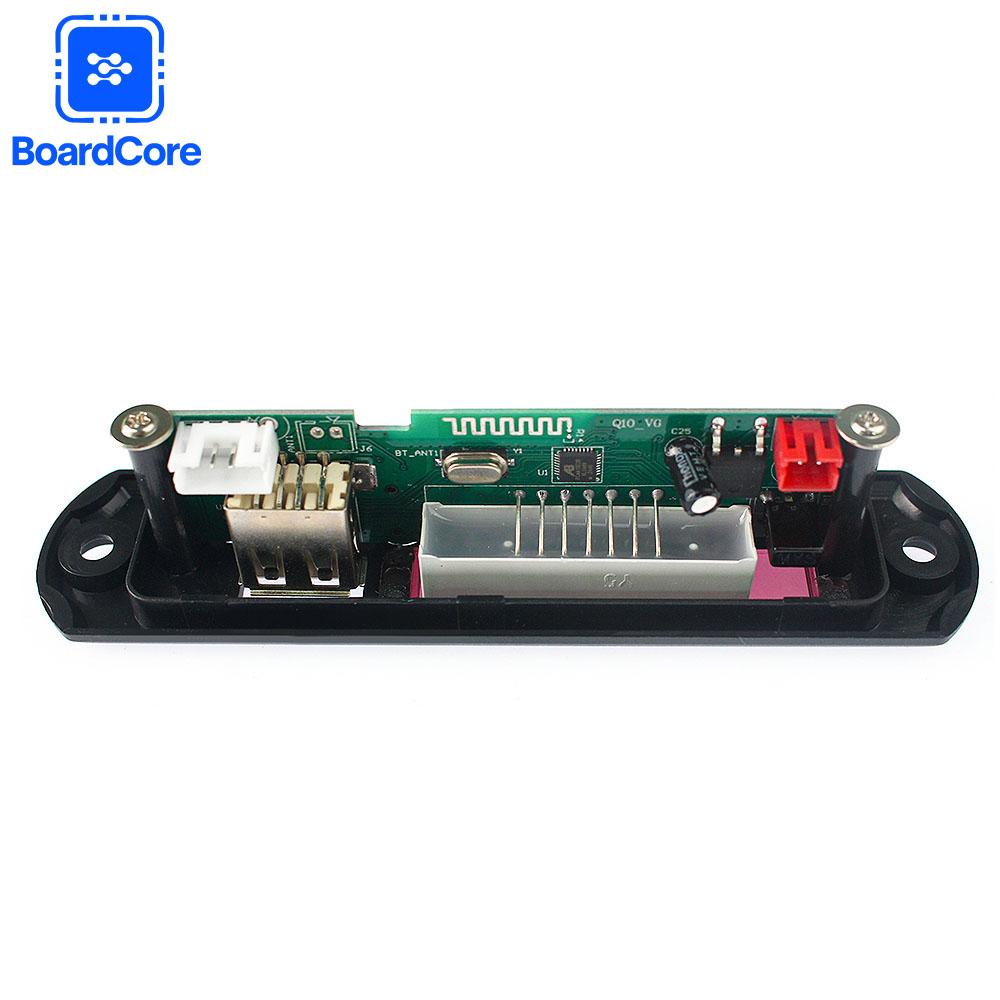
2. This decoding board supports direct playback from USB flash drives and TF cards, FM radio, lossless WAV format, MP3 format, and WMA format.
3. Equipped with a Bluetooth audio receiving module, after pairing and connecting the phone and Bluetooth module, the audio played through the
phone is transmitted to the decoding board via Bluetooth. The Bluetooth function of the decoding board can also be used to control the
phone's playback/previous/next track operation
4. This product does not come with an amplifier output and cannot be directly connected to a speaker. It can be connected to other high-power amplifiers for output.
【 Modification Instructions 】
Router power cannot be used in home modification! Cannot use charger for power supply! It can be used in households with power supply between 7V-12V,
and must undergo full wave rectification. The decoding board can only be used after filtering with a capacitor greater than 2200UF. If the power is taken from
the amplifier board, please note that if the amplifier board is powered by dual power sources, it cannot be connected to any power source in the dual power
circuit to supply power to the decoding board. It will also damage the decoding board! Please provide power to the decoding board separately.
It is recommended to connect the power supply of the decoding board to a stabilized power supply in the CD circuit board (not to the terminal on the back
of the CD player), so that the decoding board can work stably and avoid common ground interference. Please do not connect it to a cigarette lighter or battery,
as it may cause voltage changes due to changes in the size of the car's throttle and damage the decoding board.
【Product Manual】
CHARACTERISTICS
• Support direct switching of external signals.
• Supports Bluetooth 3.0 EDR
•Supports automatic switching between USB/SD/Bluetooth/FM/LINE.
•The module contains MP3/WMA/WAV song decoding chips.
•Supports USB and TF card playback.
• Supports USB/TF card switching, previous track, next track, fast forward, rewind, volume adjustment EQ、 Play/pause, stop, repeat single, mute, turn off, select song directly.
• Supports Bluetooth previous track, next track, volume adjustment EQ、 Play/pause, mute, turn off.
•Supports FAT16 and FAT32 file systems.
•Supports songs in MP1 Layer3, MP2 Layer3, and MP3 Layer3 versions.
•Supports MP3 songs at 32-320kbps.
• Support power-off memory function: remember the songs and volume played before the power-off.
Bluetooth usage instructions
Press the MODE button on the panel or remote control, and the screen will switch to BLUE. The speaker will beep twice, indicating a successful Bluetooth mode switch.
Then find the Bluetooth option in the phone settings, search for Bluetooth devices, find BT-SPEAKER (the Bluetooth name of this product), and connect for pairing. For some phones,
enter the password (0000) for pairing. The speaker will make a beep sound when paired successfully.
Panel button instructions
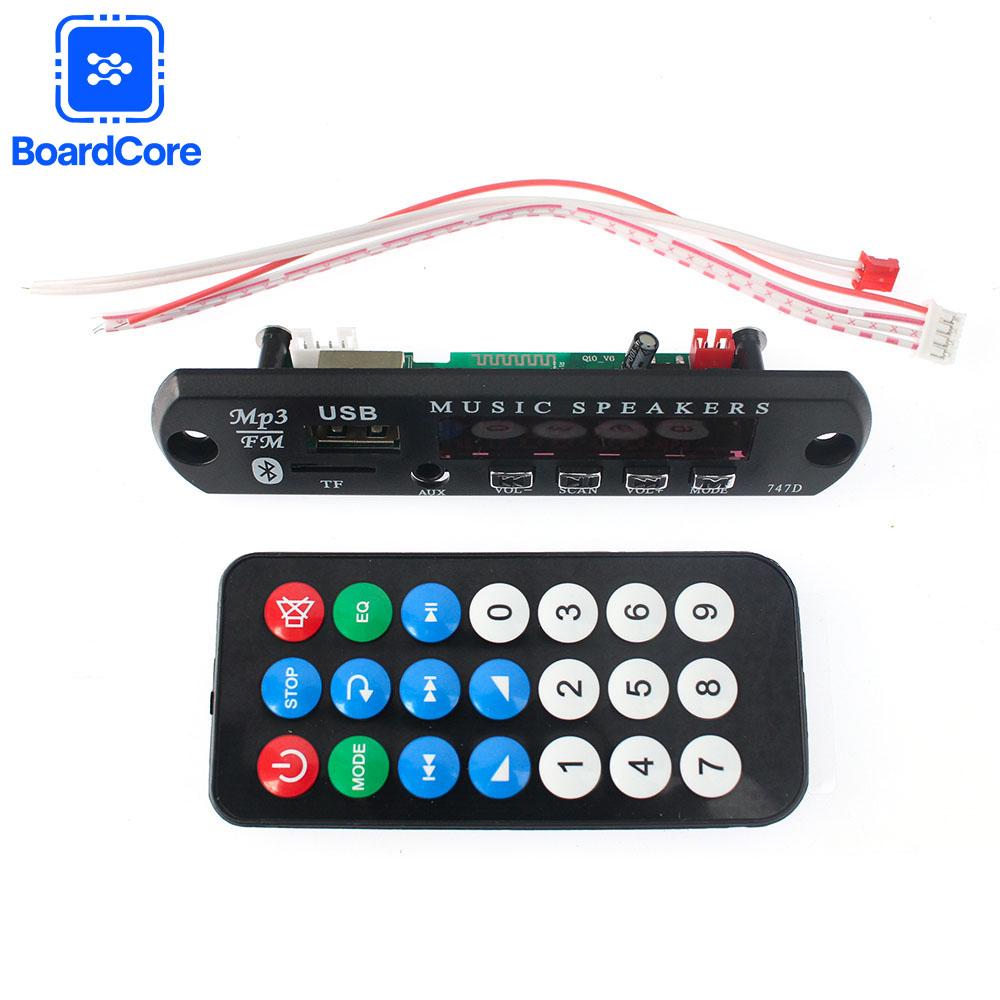
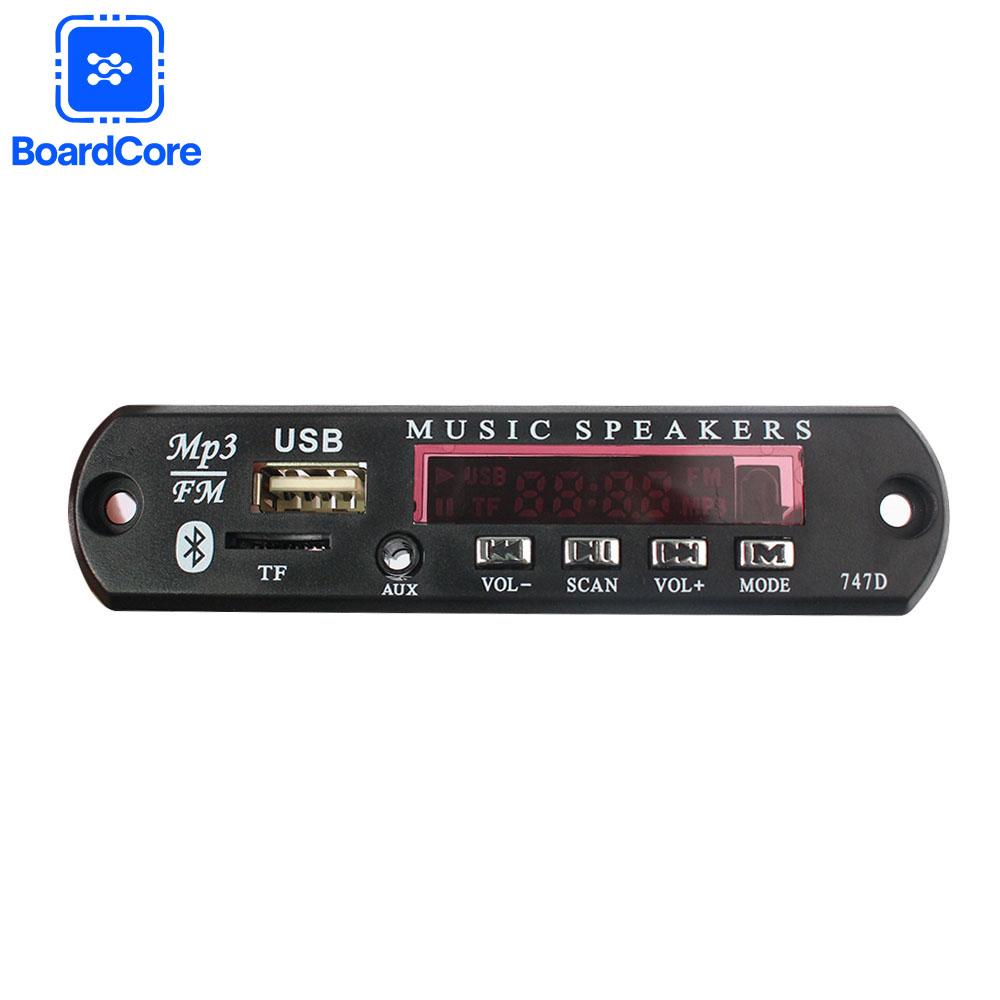
1. PREV/VOL - : Long press to decrease volume; Short press to switch to the previous track in USB/SD/Bluetooth mode; Short press the previous radio station in FM mode.
2. PLAY/PANSE : Short press to play/pause in USB/SD/Bluetooth mode; Long press and hold in FM mode to search for and coexist with all channels.
3. NEXT/VOL+: Long press to increase volume; Short press the previous track in USB/SD/Bluetooth mode; Short press the next radio station in FM mode.
4. MODE : When there is an SD card and a USB flash drive, the switching sequence is USB → SD → Bluetooth → FM → AUX; When there is only a USB drive: the switching order is
USB → Bluetooth → FM → AUX; When only an SD card is available: switch order is SD → Bluetooth → FM → AUX; Without USB and SD card: FM → AUX → Bluetooth
Remote control button instructions
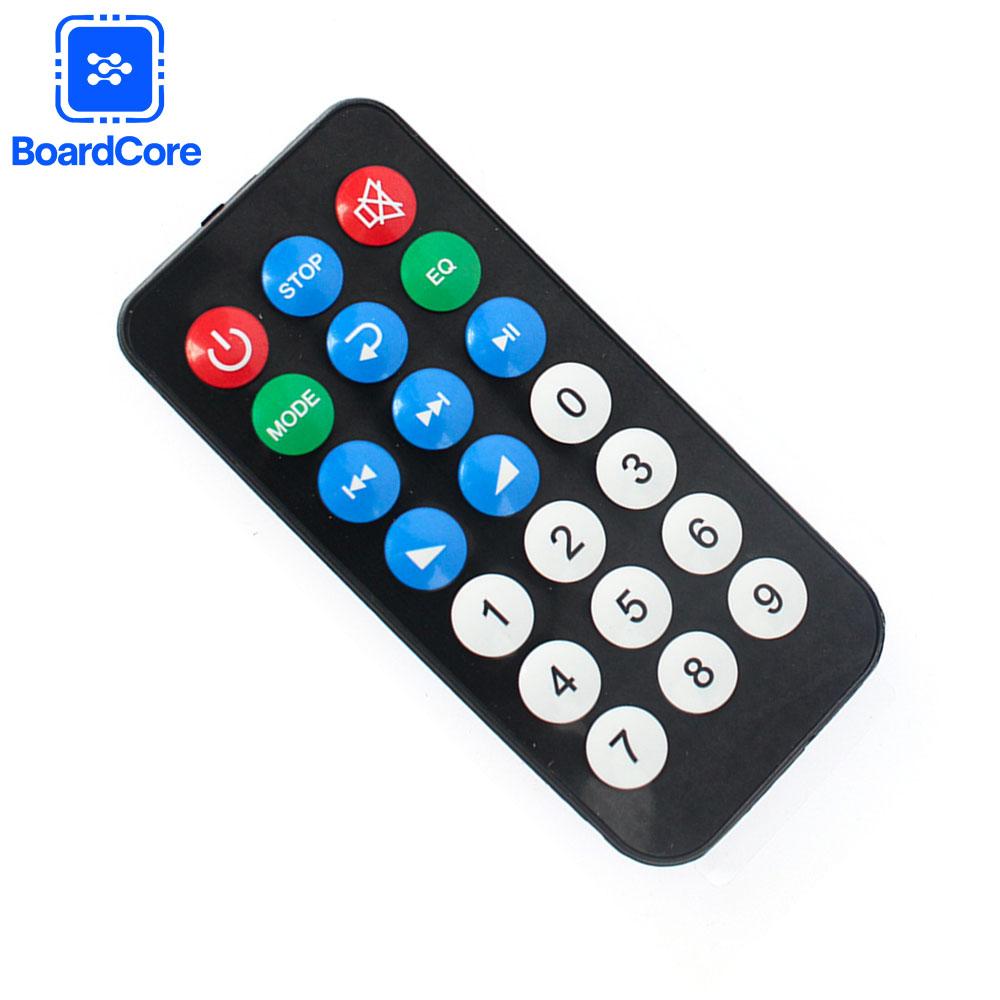
1. POWER: STANDBY This key cannot be turned on or off.
2. MODE: When there is an SD card and a USB flash drive, the switching sequence is USB → SD → Bluetooth → FM → AUX; When there is only a USB drive: the switching order is
USB → Bluetooth → FM → AUX; When only an SD card is available: switch order is SD → Bluetooth → FM → AUX; When there is no USB or SD card: FM → AUX → Bluetooth.
3. PREV: Short press in USB/SD/Bluetooth mode to switch to the previous track; Long press in USB/SD mode to quickly rewind the song; Short press the previous radio station in FM mode,
long press to scan and search for the previous radio station.
4. NEXT: Short press to switch to the next track in USB/SD/Bluetooth mode; Press and hold in USB/SD mode to fast forward the song.
5. Number keys: When using a USB flash drive or SD card, press the numbers to directly select songs; When FM, jump directly to the designated radio frequency by pressing the number.
(For example: FM104.3MHz, press 1043 directly on the remote control)
Kind Reminder
1. This product is highly technical. Customers who cannot understand the instructions of this product should not purchase it. Thank you. Without FM radio antenna,
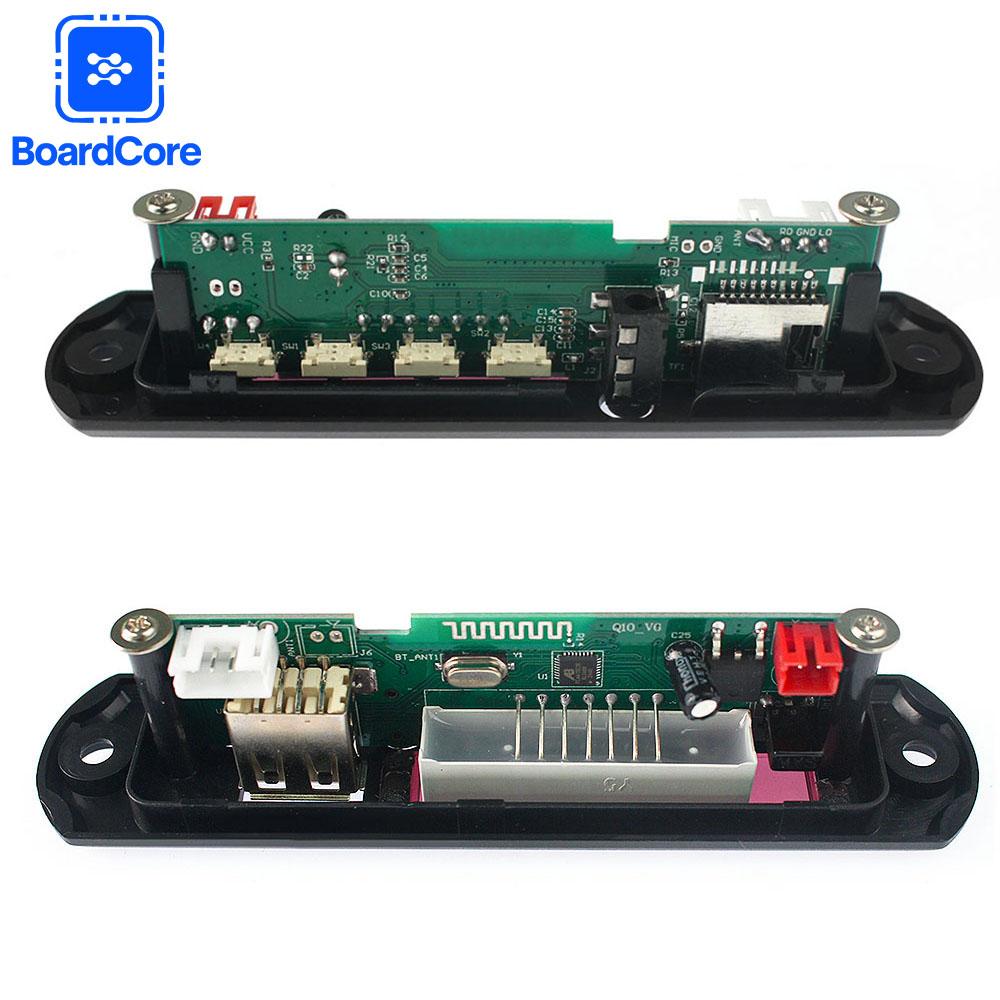
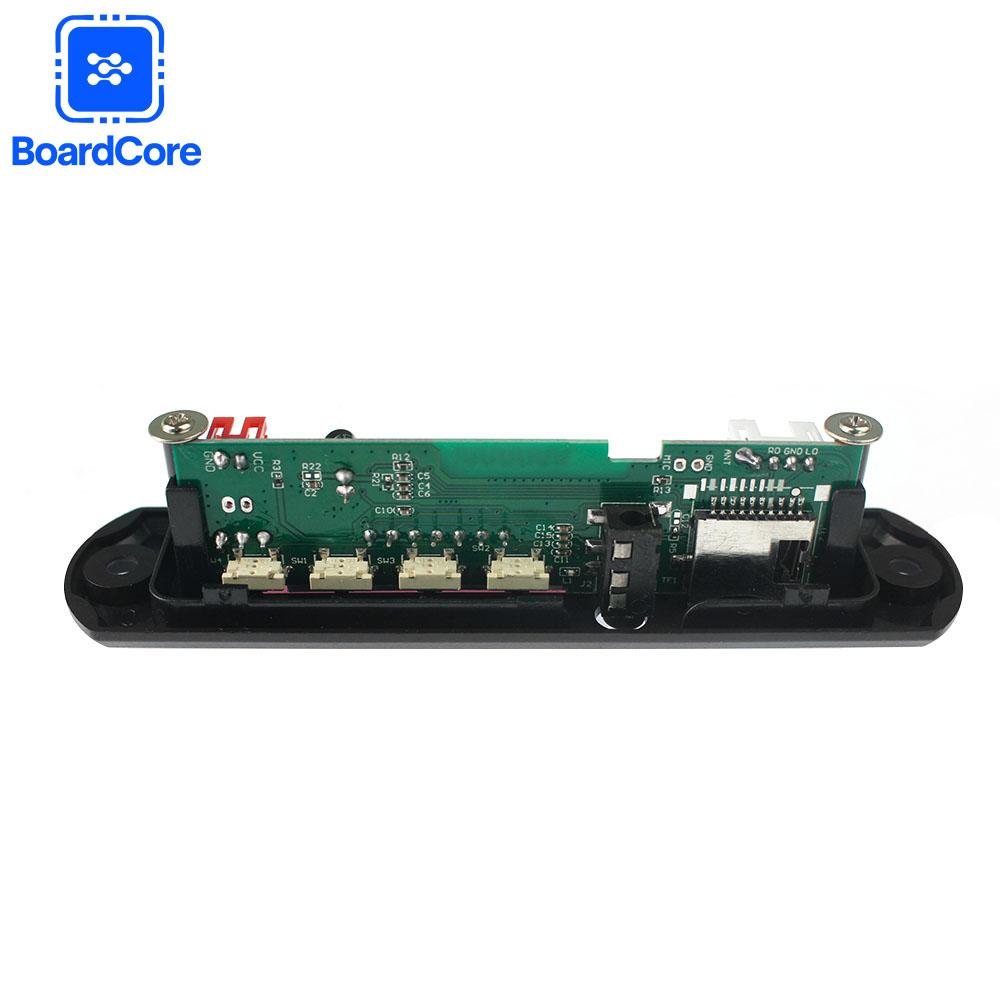
if using FM function, you need to solder one end of the wire at the antenna welding point or connect the rod antenna, otherwise the radio cannot receive the radio.
(This decoding board has low radio sensitivity and can only receive strong signal radio stations. If you really need radio functionality, please purchase with caution)
2. The USB TF card supports MP3 bitrates of 32-320kbps; When downloading lossless WAV files with a bitrate below 1411kbps, pay attention to synchronously downloading the suffix files (LRC files);
If it is DTS WAV format music, this music decoding board cannot be played by default and can only produce rustling sound, because DTS is multi-channel and requires plugins
(such as computer players) to play. Ordinary two channel WAV format music files are supported
3. This product does not support folder playback. Please place the audio files in the root directory of the TF card or USB drive, otherwise it will cause slow data reading and slow response.
4.When this product switches from other working modes to TF card or USB drive playback, there may be a short-term non response phenomenon due to the need to re read the disk, which is a normal phenomenon.


 No-delivery refund