-----------------------------------------------------------------------------------
🛍️ Shop with Confidence
Thank you for visiting Favorite Fun Hub.
We carefully select and deliver quality items from Japan to customers worldwide.
🔹 Direct Shipping from Japan
All items are carefully packed and shipped directly from Japan.
🔹 Quality Checked
Products are inspected before shipment to ensure good condition.
🔹 About Manuals
If included, manuals are primarily in Japanese.
We recommend using translation apps if needed.
-----------------------------------------------------------------------------------
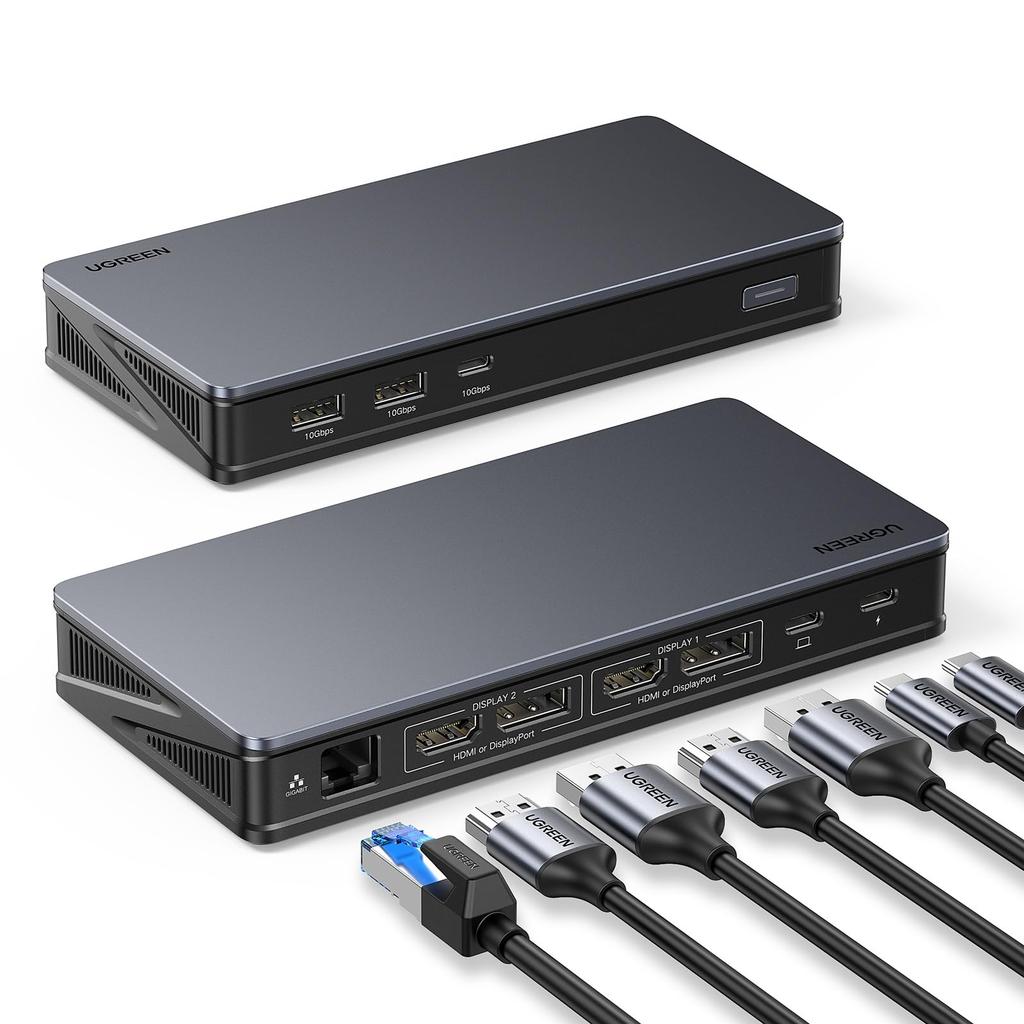
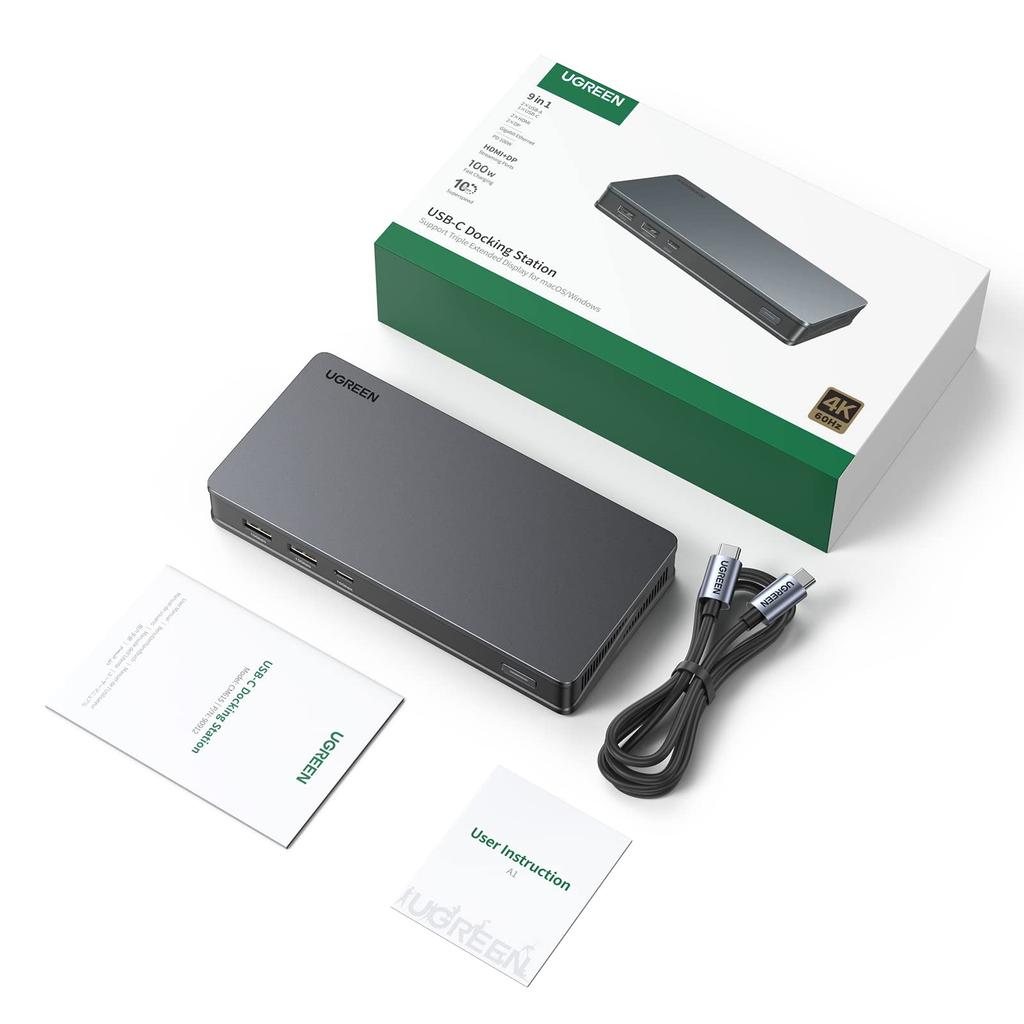
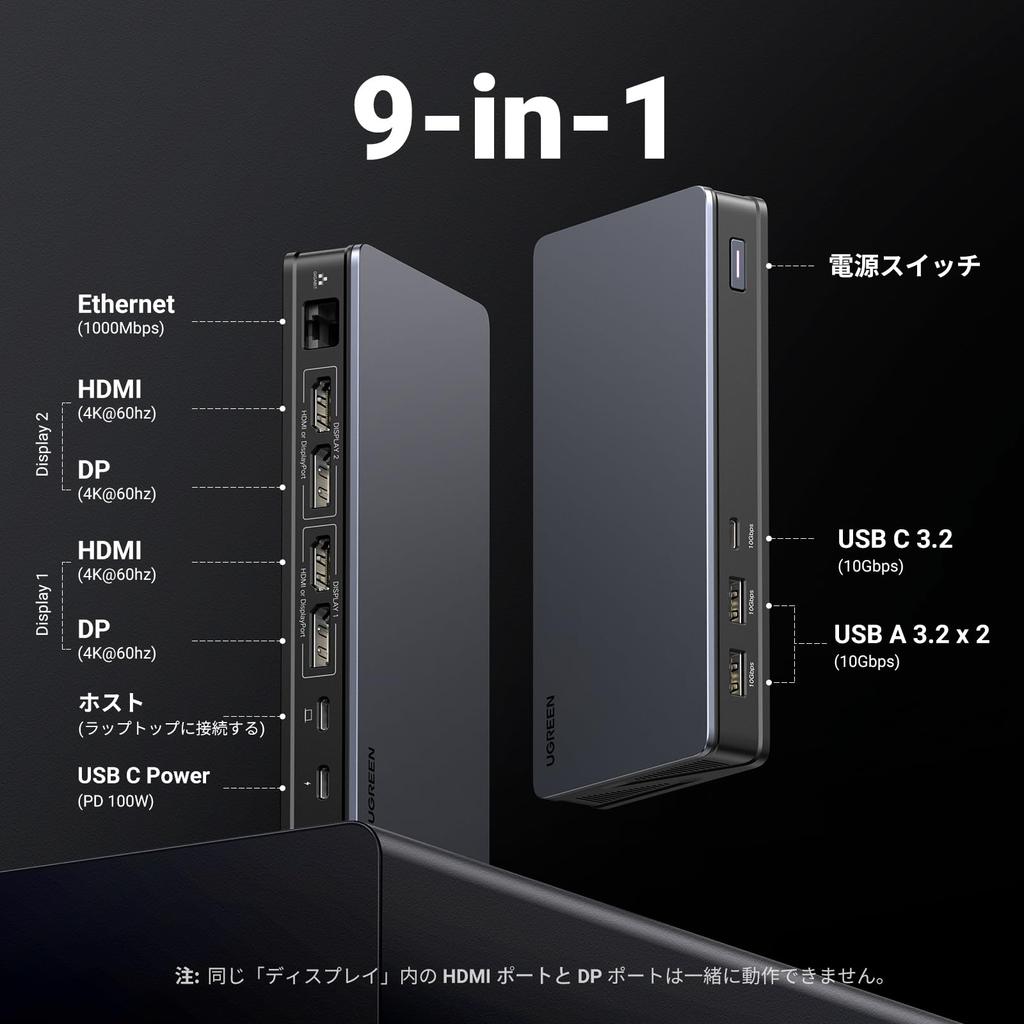
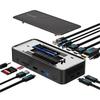
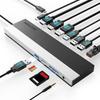
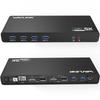
9-in-1 USB-C Docking Station: This multi-port USB Type-C hub features two 4K HDMI ports, two DisplayPort ports, one 100W Type-C PD3.0 charging port, two USB-C 10Gbps data transfer ports, two USB 3.2 (USB-A) ports, and one 1Gbps Ethernet/RJ-45 port. Connect most devices with a single USB-C docking station. Expand the functionality of your home or office workspace. This product has a sleep mode, and the screen may dim after a period of inactivity; this is normal. For setup instructions, please refer to the Q&A section below.
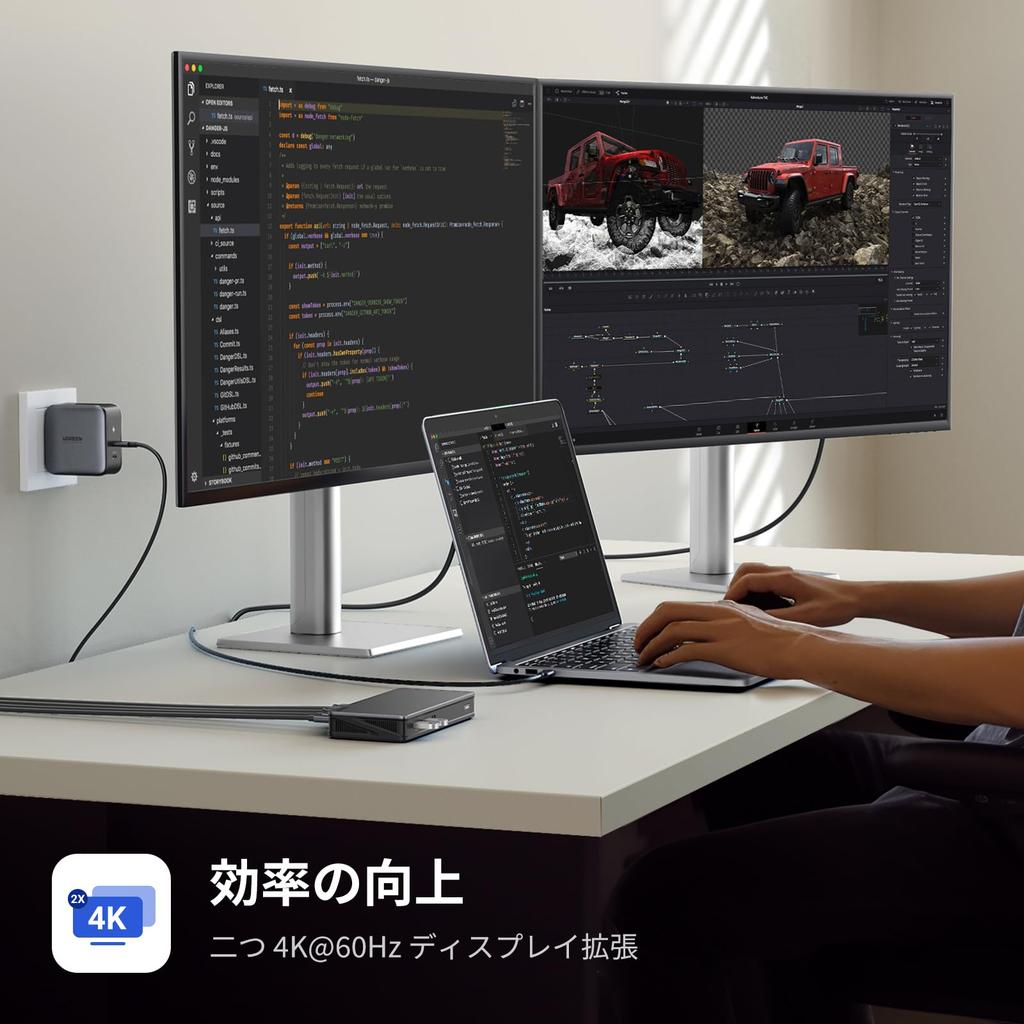
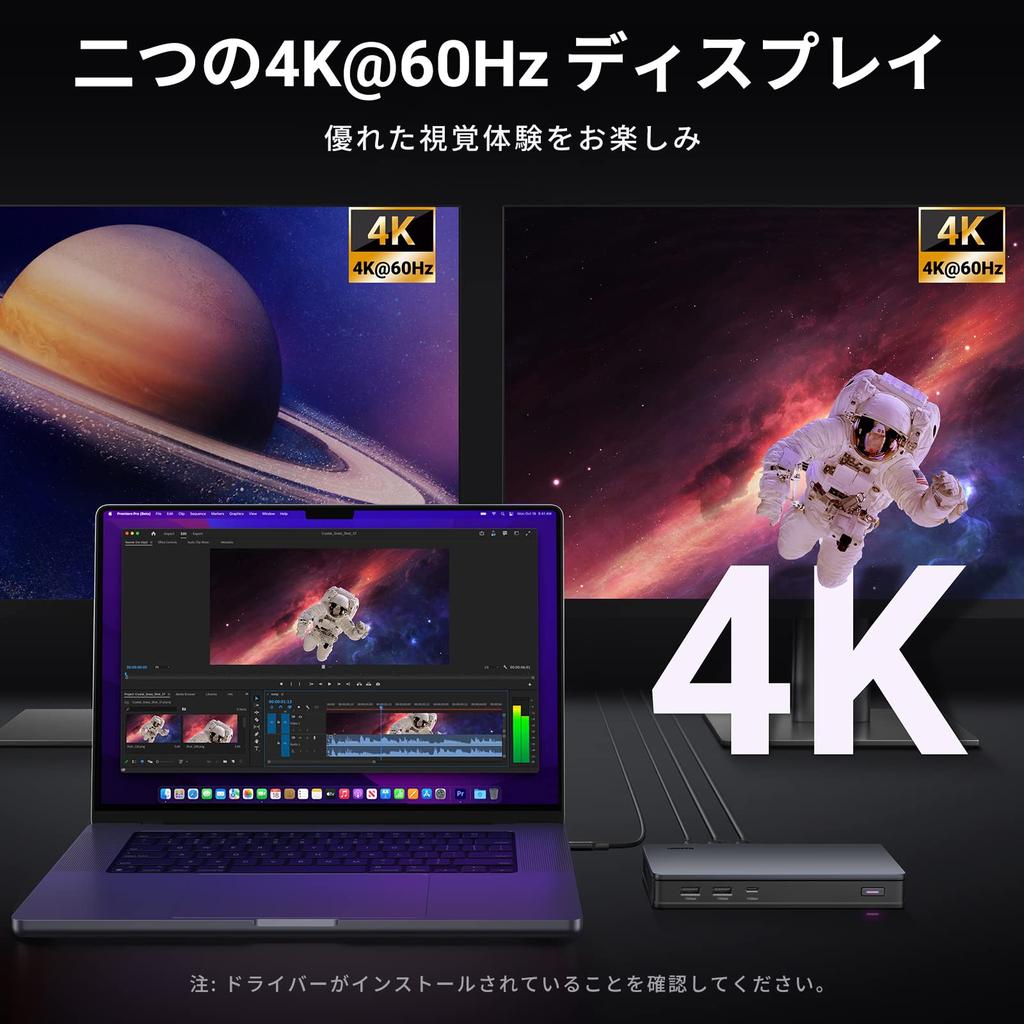
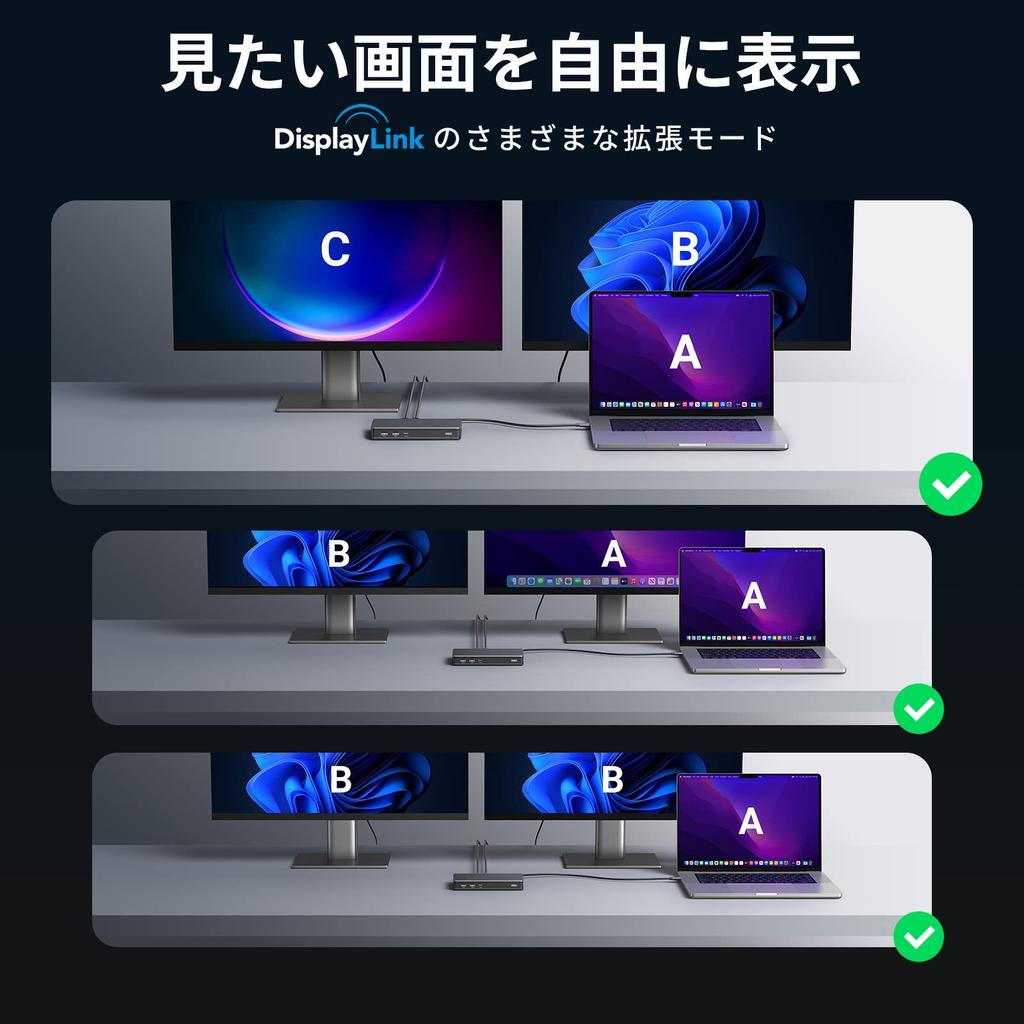
[DisplayLink Equipped for Dual Output Support up to 4K/60Hz] The USB-C port supports dual monitor media display at up to 4K@60Hz on Windows and macOS systems (supports M1 and M2 MacBooks). Connect monitors simultaneously and enjoy crystal-clear streaming or mirroring on two displays. Two HDMI 4K female connectors: HDMI 2.0, HDCP 1.4 compliant, no HDR support, 18Gbps video bandwidth; two DP female connectors: DP 1.2, HDCP 1.4 compliant, no HDR support, 16.2Gbps video bandwidth. (Note: Be sure to install this to ensure proper media display and network functionality.) The DisplayLink chip enables multi-monitor setup even on PCs with USB-C or USB-A ports that don't have video output capabilities. This eliminates the need for a cramped laptop screen and dramatically improves work efficiency. Convenient for presentations, editing, and stock trading.
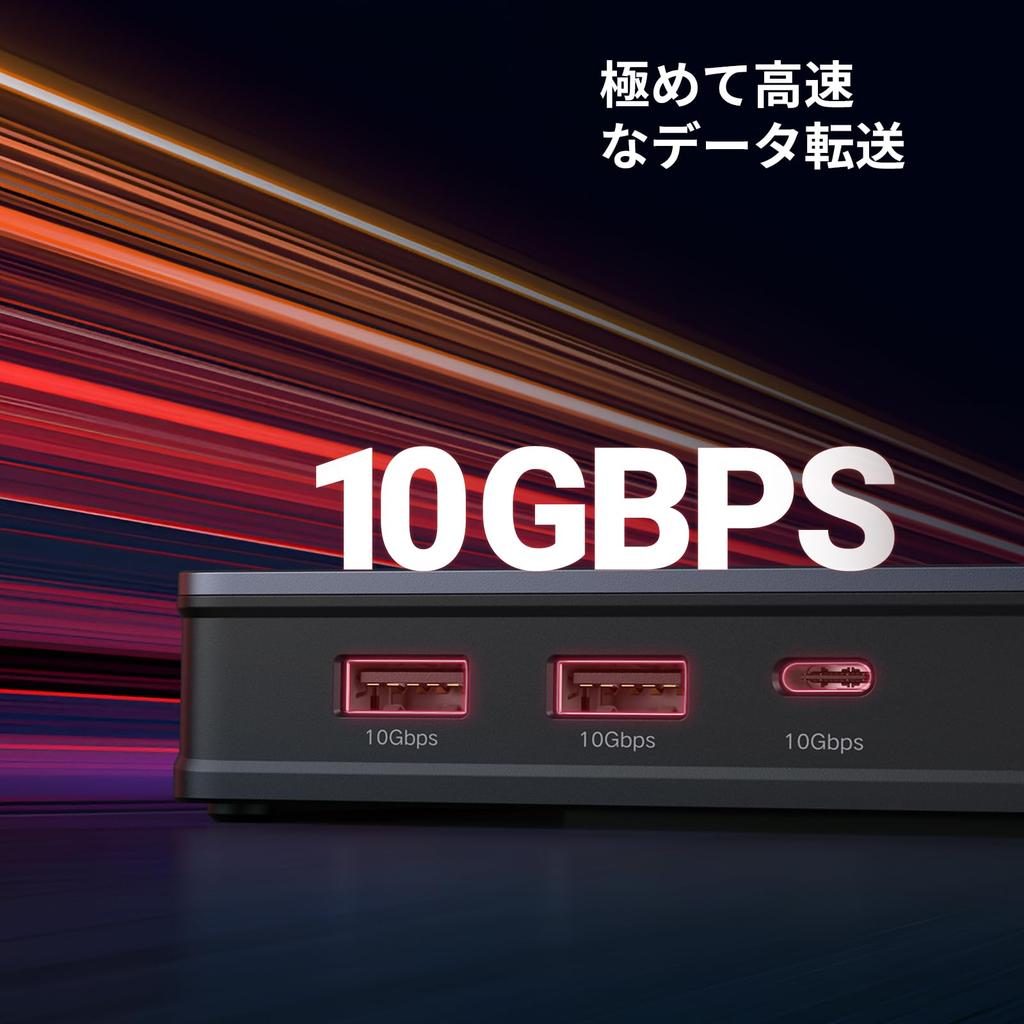
[Super-Fast Transfer Speeds of Up to 10Gbps] The USB-A and USB-C Gen 2 ports deliver transfer speeds of up to 10Gbps. Transfer large files and external SSDs effortlessly. USB-C connectivity also ensures future-proofing. Transfer large files like photos and videos quickly and efficiently, saving you time. (*Based on internal testing. Actual results may vary.)
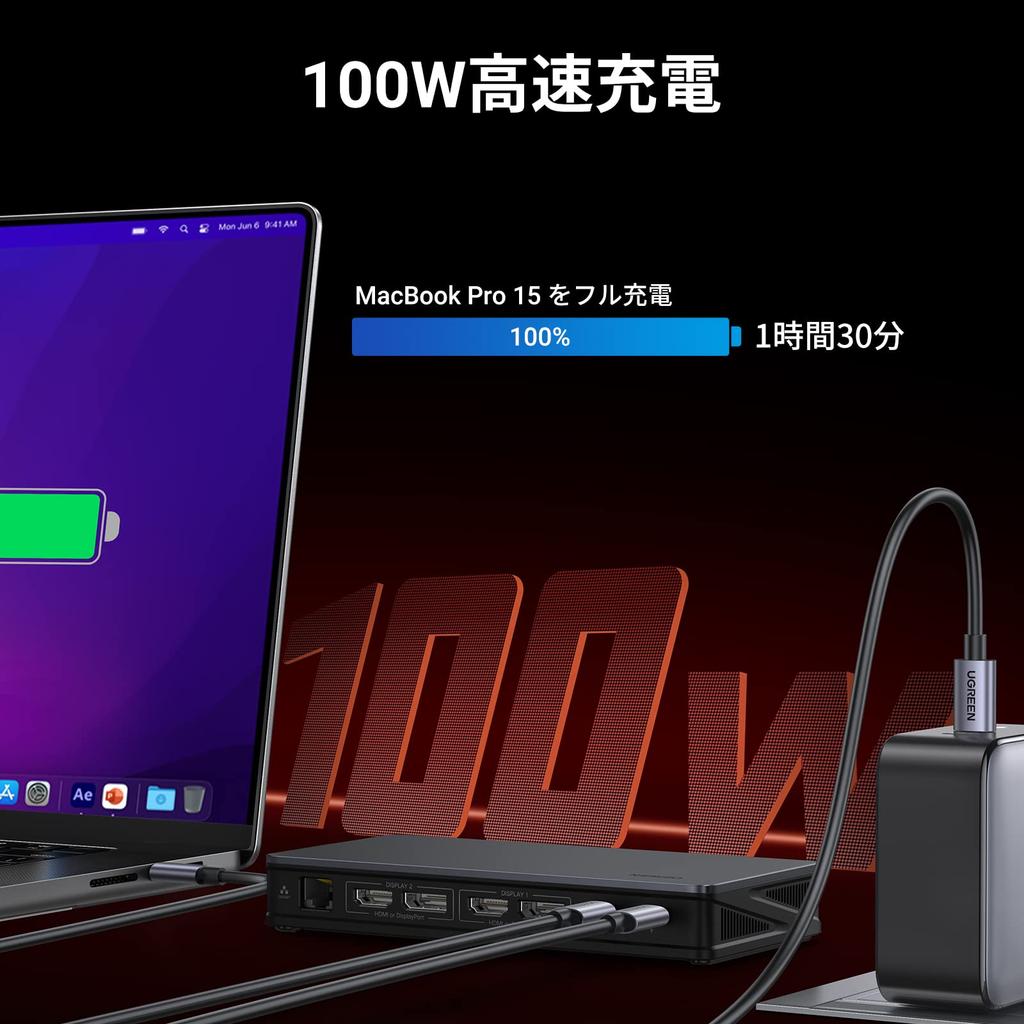
[85W Fast Charging + Stable Internet Connection] The PD port supports up to 100W input, allowing you to charge your PC at up to 85W even after using 15W on the device itself. The RJ45 port supports up to 1000Mbps, enabling high-speed charging even for high-performance PCs. Stable communication with a wired connection is also possible even when Wi-Fi is unstable. This allows you to maintain a comfortable working environment whether you're on the go or in the office. It's perfect for impromptu meetings and online classes.
[MST Support for macOS, Wide Compatibility] Supports multi-monitor (MST) not only on Windows but also on macOS. Compatible with Windows 7 and later, macOS 10.4 and later, and systems with a USB-C port. The connected USB-C port must support Thunderbolt 4, Thunderbolt 3, USB4, or DisplayPort Alternate Mode, and host charging. Note: DisplayLink software must be installed to properly use media display and network RJ45 functions.
[24-Month Warranty]: Products purchased from our store are covered by a 24-month warranty. This warranty covers the product from the date of purchase to the 24th anniversary of the date of purchase. Please note: The warranty does not cover any damage caused by the customer or a third party.
[Please note] This product has a sleep mode, and the screen may go dark if not used for a certain period of time. This is normal. For instructions on how to set this up, please refer to the Q&A section below. What to do if the monitor does not display an image: 1. There is something wrong with the display or the connection cable itself. Connect it directly to the computer to check. 2. The port has poor contact. Check and clean the port. 3. The cable you are using does not meet the requirements. Try replacing it with a shorter cable. 4. The product's power supply is insufficient. When connecting many peripheral devices, PD power must also be connected at the same time. 5. The device is incompatible. Try replacing another display to check compatibility. 6. The connection is unstable because the original USB-CC wiring is not being used. Replace the original cable.
UGREEN USB-C Hub, 2 USB-A, 2 USB-C, 2 HDMI, 2 DP, RJ45, and PD, 4K@60Hz



 No-delivery refund






![Yottamaster USB C Docking Station Super Strong 20 In Type C Dock 4 Screen Output 4K Output 10Gbps GEN2 Charging Card Slot Compatible with [2024 1]](https://img.joomcdn.net/7b15dd4f8223e89abbbc9359c6853d9f9ee73088_100_92.jpeg)