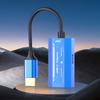
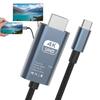
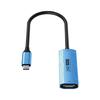
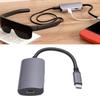
【Note】: 1. Please update the firmware version of the AR glasses to the latest. 2. If the adapter is not working properly, please reconnect the (USB-C OUT) port of the adapter. 3. If the adapter needs to be connected/disconnected from power, reconnect the adapter's (USB-C OUT) port. 4. Please make sure that the connected device supports audio and video transmission. 5. Can't be reversed. 6. Cannot be connected to other adapters.
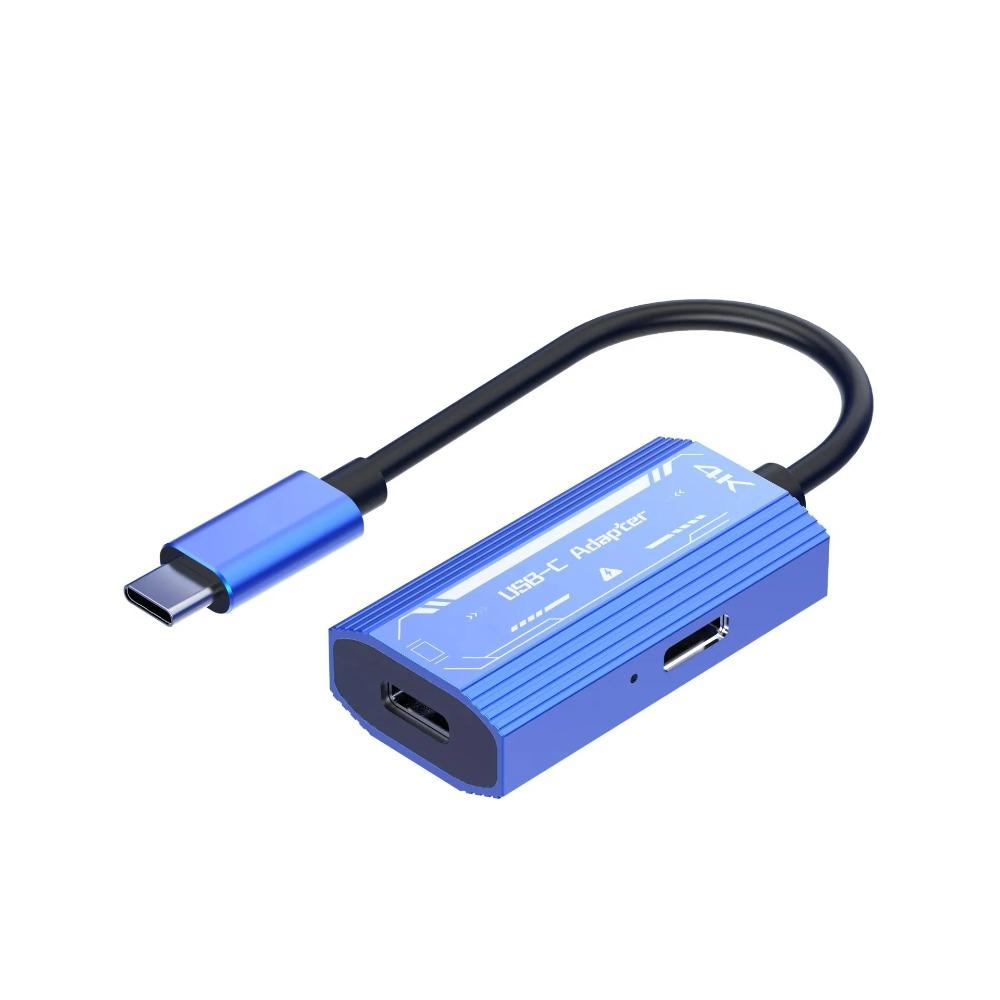
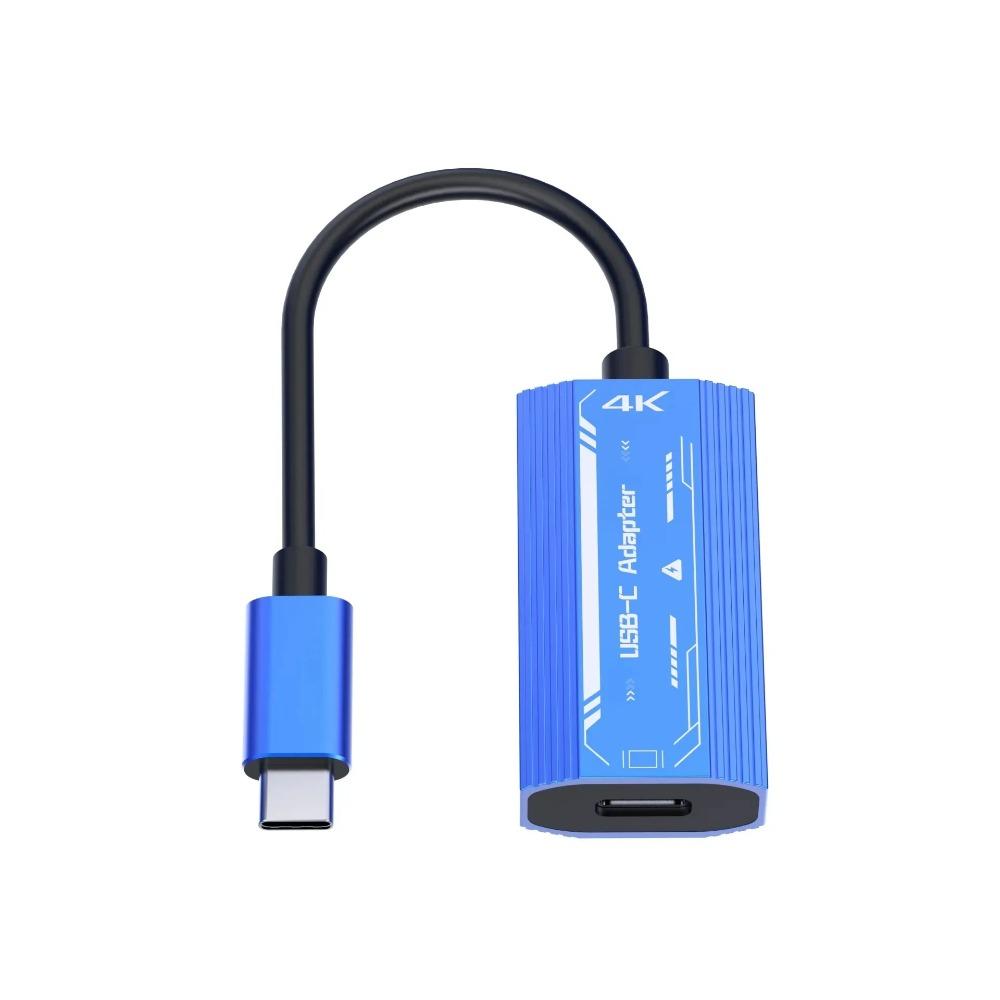
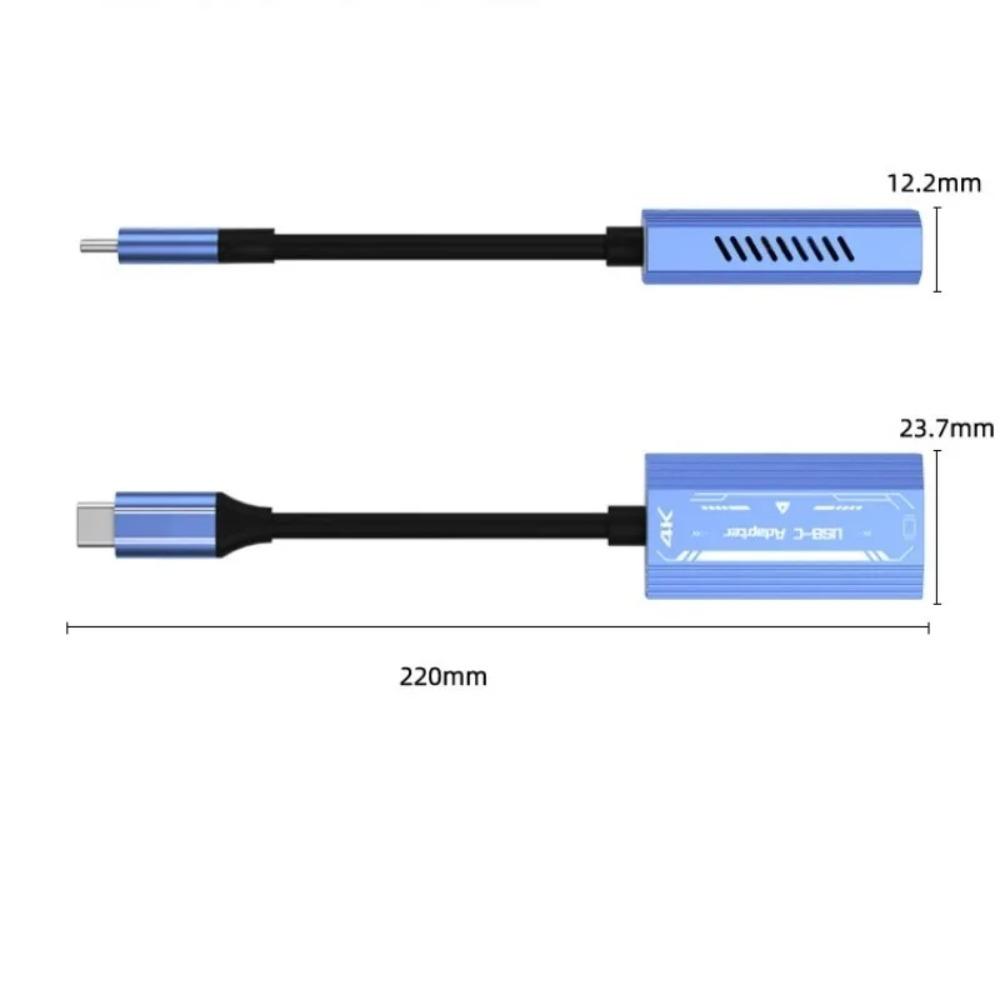
【Plug and Play -Aluminum Case】: USB-C to XREAL/Rokid/VITURE One/RayNeo AR/XR Smart Glasses Adapter Plug and Play, no need for any setup, no program and no software. UBS C to type c adapter is an aluminum case with strong heat dissipation, durability and fashion.
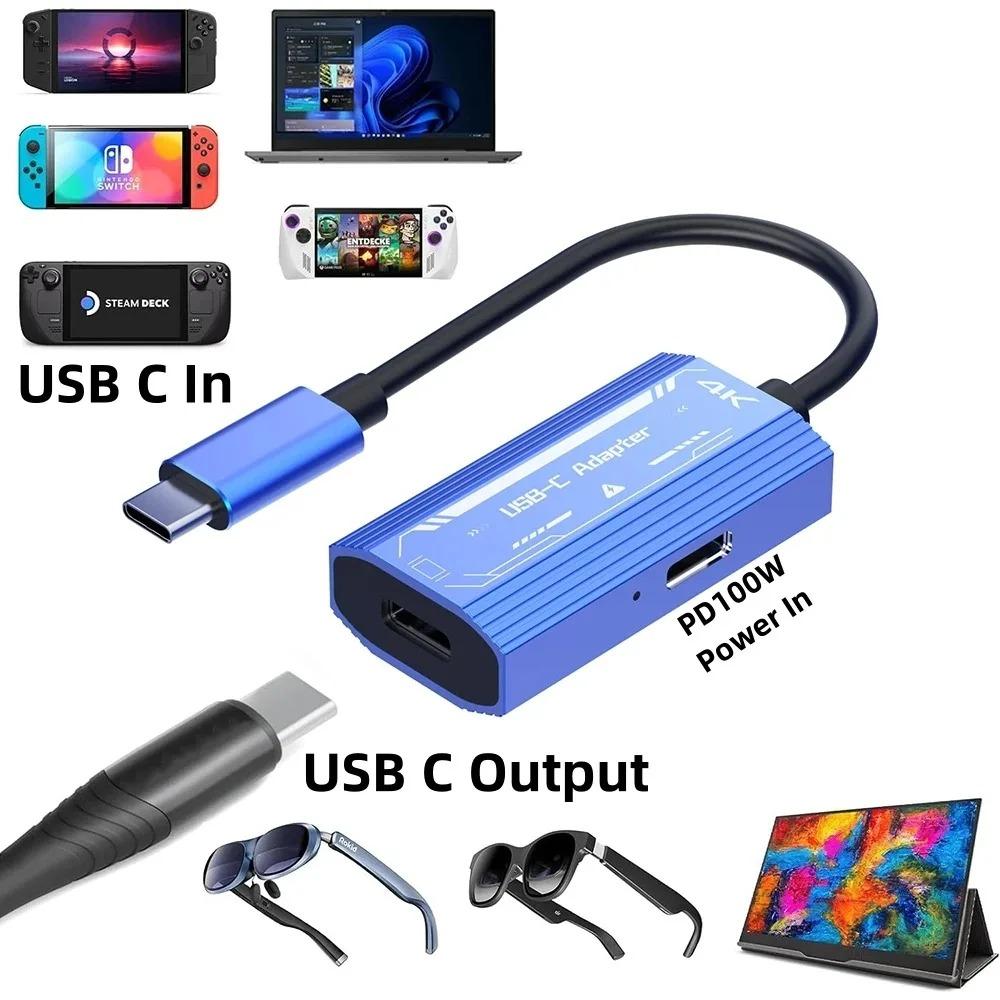
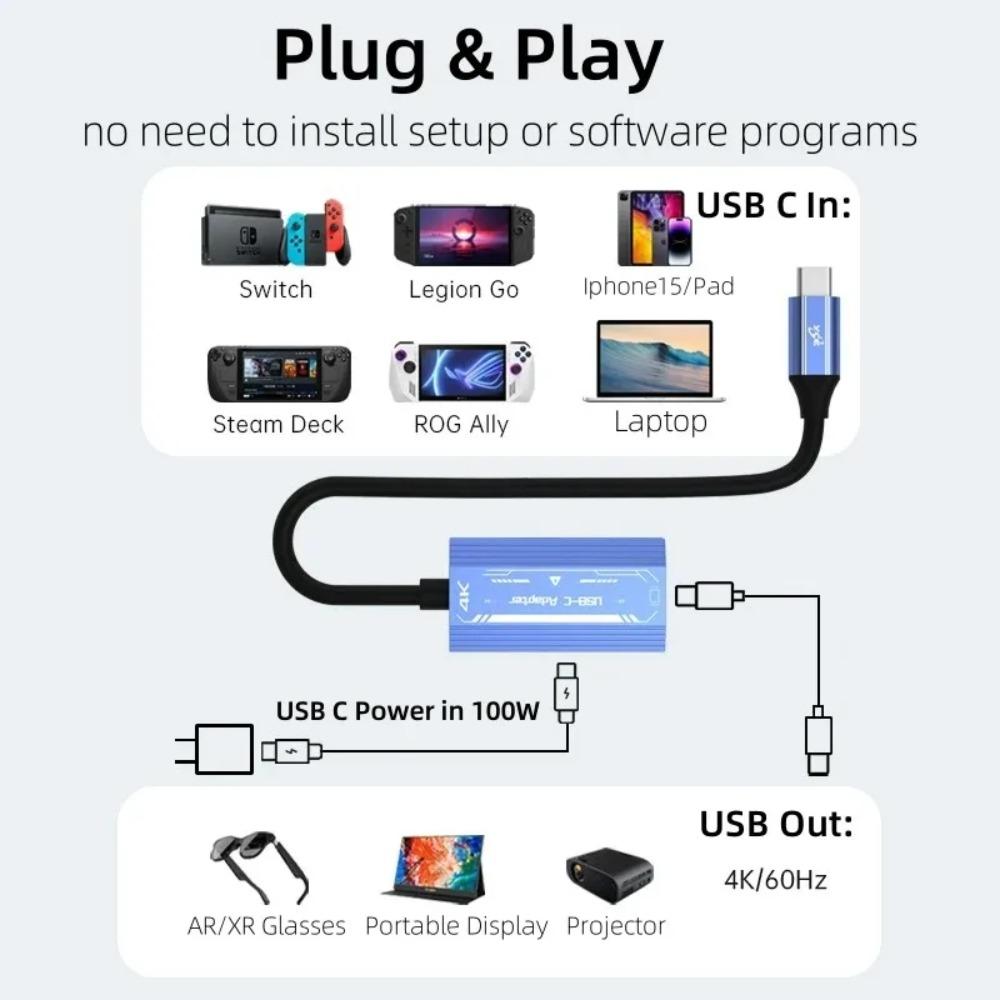
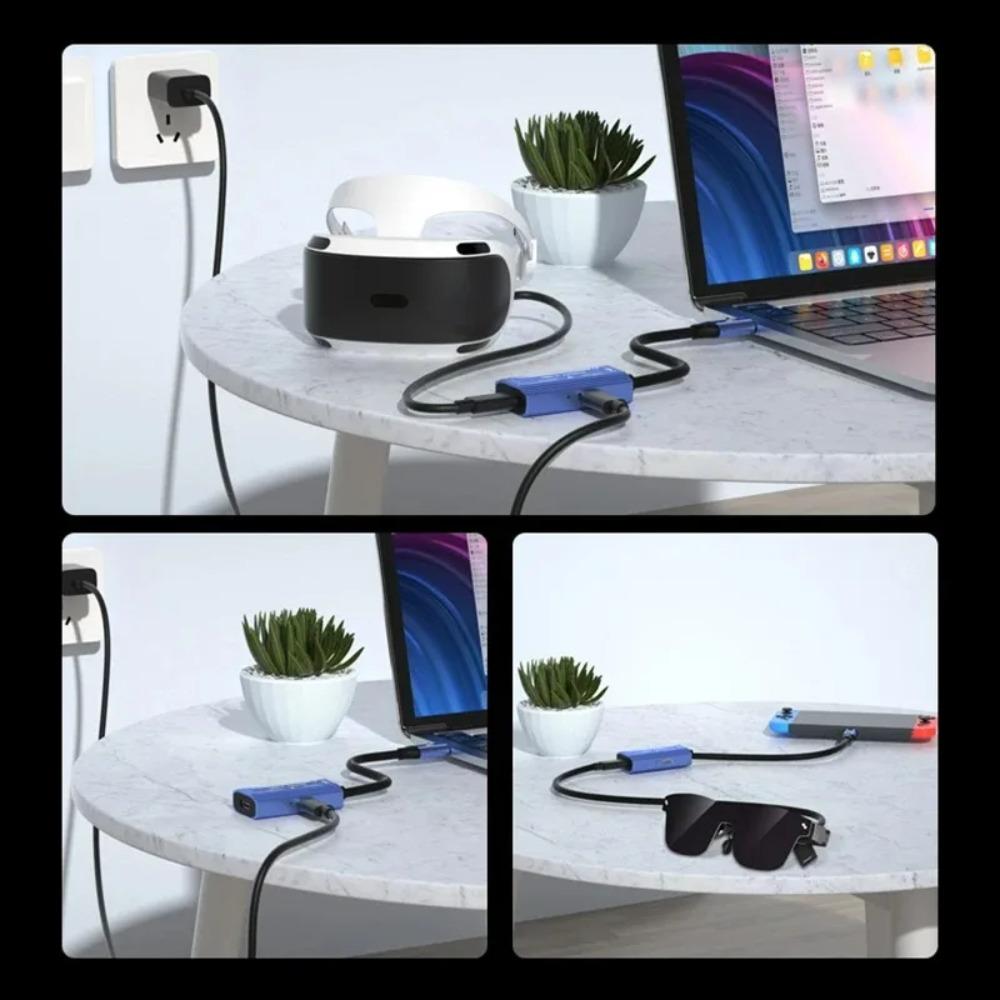
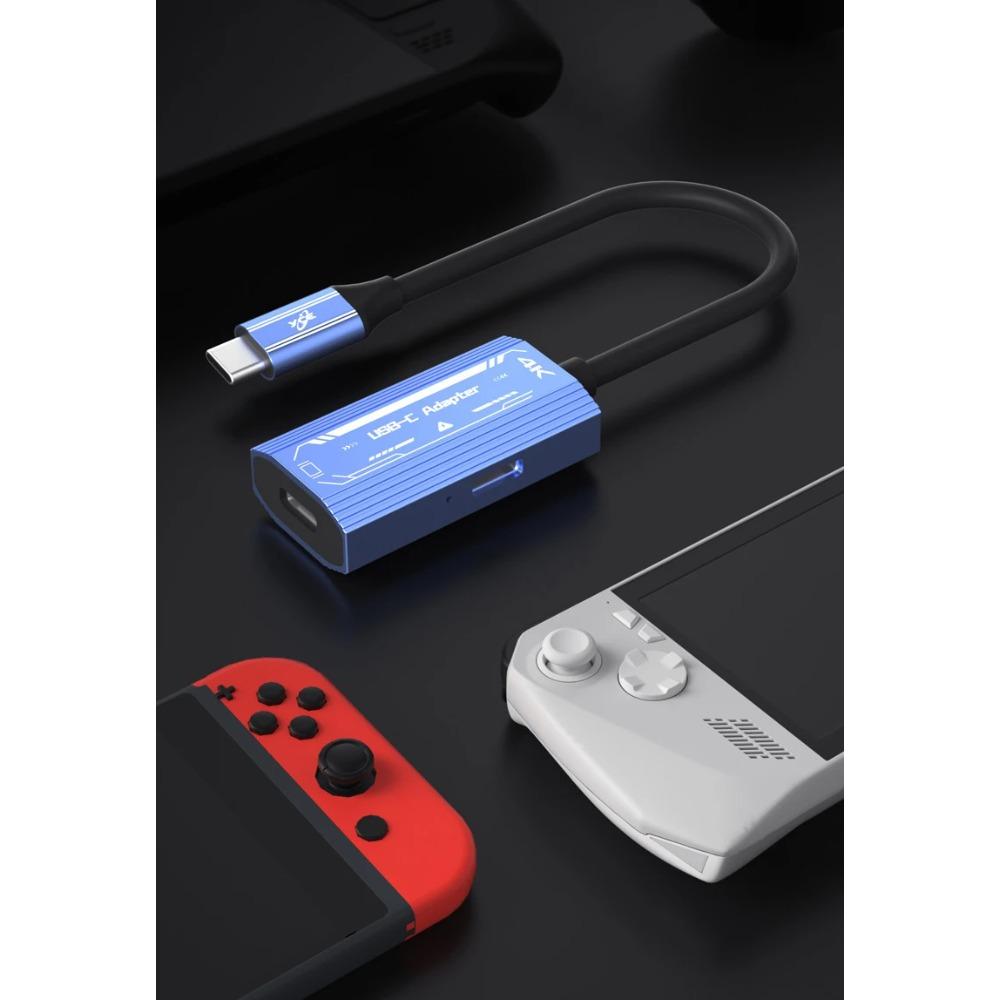
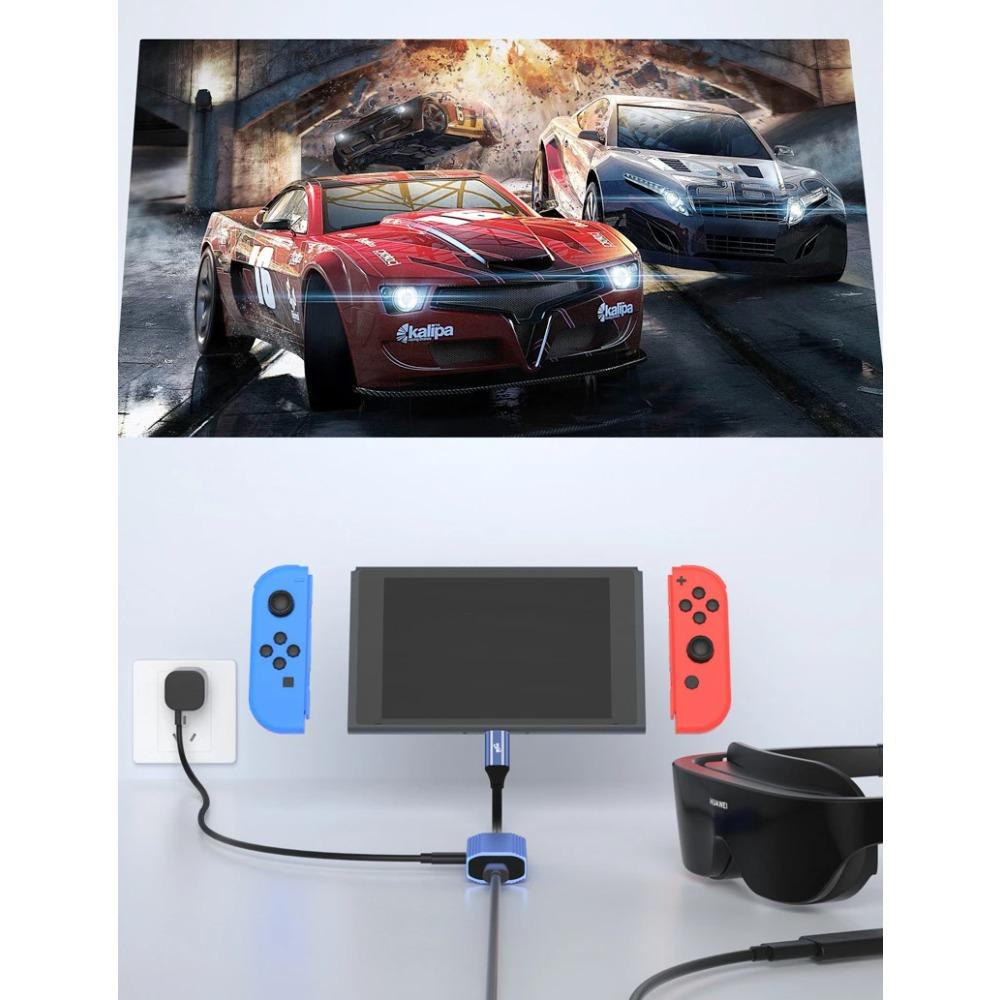
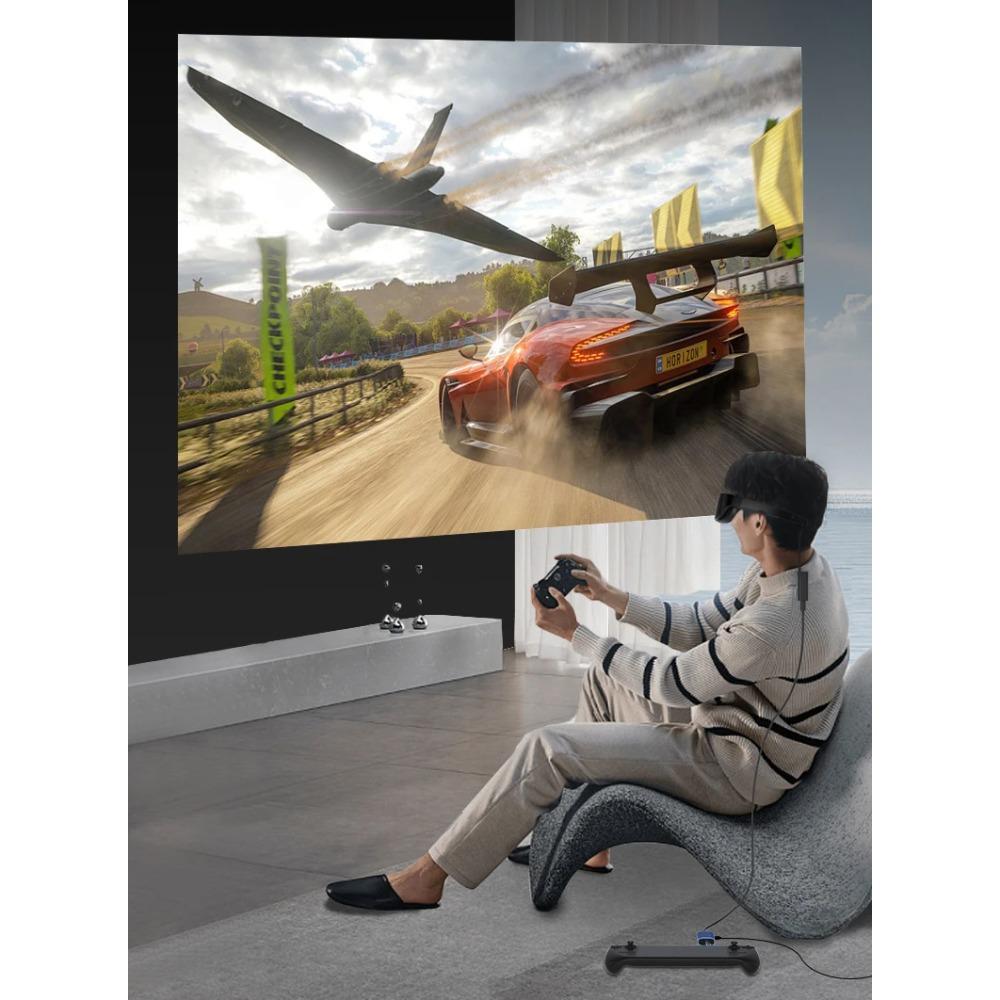
【Strong Compatibility】: Compatible with all kinds of smart glasses: Xreal/Nreal, Rokid Air/Max, RayNeo XR, Viture One, Thunderbird AR, etc. Compatible with Switch, Xbox、PS4/5,、Steam Deck、ROG Ally and more. Compatible with all kinds of USB-C Portable Monitor, USB-C projector, Google TV, Fire TV Stick, etc. Compatible with Thunderbolt4/3 laptops, mobile phones, tablets and so on.
【4K@60Hz Ultra HD + Power Supply 100W】: USB C to Type C Adapter supports 4K@60Hz ultra-high definition transmission, allowing you to enjoy the ultimate visual feast in the large screen of smart glasses, display screen and projector. At the same time, the adapter carries a power supply port: when using smart glasses, you never have to worry about power problems; When using the display/projector, one USB-C port can transmit audio and video and power supply at the same time.


 No-delivery refund