[JOOM Certified Store]
A trusted Japanese seller delivering high-quality products directly from Japan to the world.
*** PLEASE CHECK BEFORE PURCHASE ***
[1] LANGUAGE & MANUALS
- Most items are designed for the Japanese market. Manuals and system languages are in JAPANESE.
- PRO TIP: We suggest using a "Translation App" with your smartphone camera to translate Japanese text instantly.
[2] VOLTAGE & PLUG
- Power: 100V (90V-110V). A voltage transformer is REQUIRED for use outside Japan.
- Plug: Type A (Japan standard). An adapter may be needed for your country.
- Damage caused by incorrect voltage is not covered by our support. Please ensure compatibility.
[3] FASHION, GAMES, & MEDIA (DVD/Blu-ray)
- To ensure a perfect fit or check region codes and languages, we recommend the following:
1. If detailed specifications are missing, please ADD the item to your CART first.
2. We update descriptions with size charts, region codes, and language info sequentially.
3. We suggest checking the updated information after a few business days before completing your purchase for your best experience.
[4] FEEDBACK & FOLLOW
- If you love your purchase, please "Follow" our store and leave a 5-star review!
- Your support warms our hearts and helps us grow.
---
[SHOP INFO]
- 100% Authentic. Directly shipped from Japan.
- NEW ARRIVALS: We update our inventory DAILY with the latest Japanese products!
- Sourced for the Japanese market to ensure strict quality standards.
- Reinforced packaging for safe long-distance international transit.
*(Note: Outer packaging may show minor wear to protect the product inside.)*
- Thank you for choosing Japanese quality!
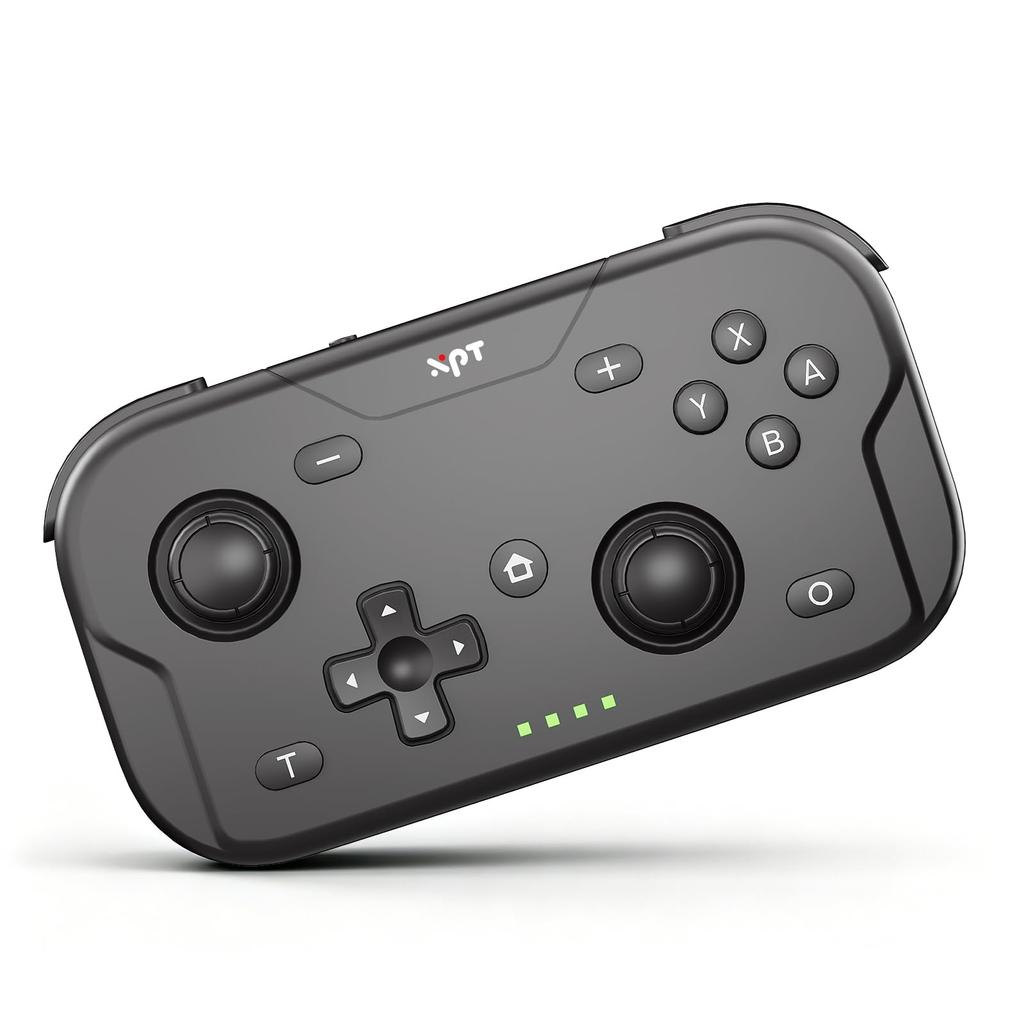
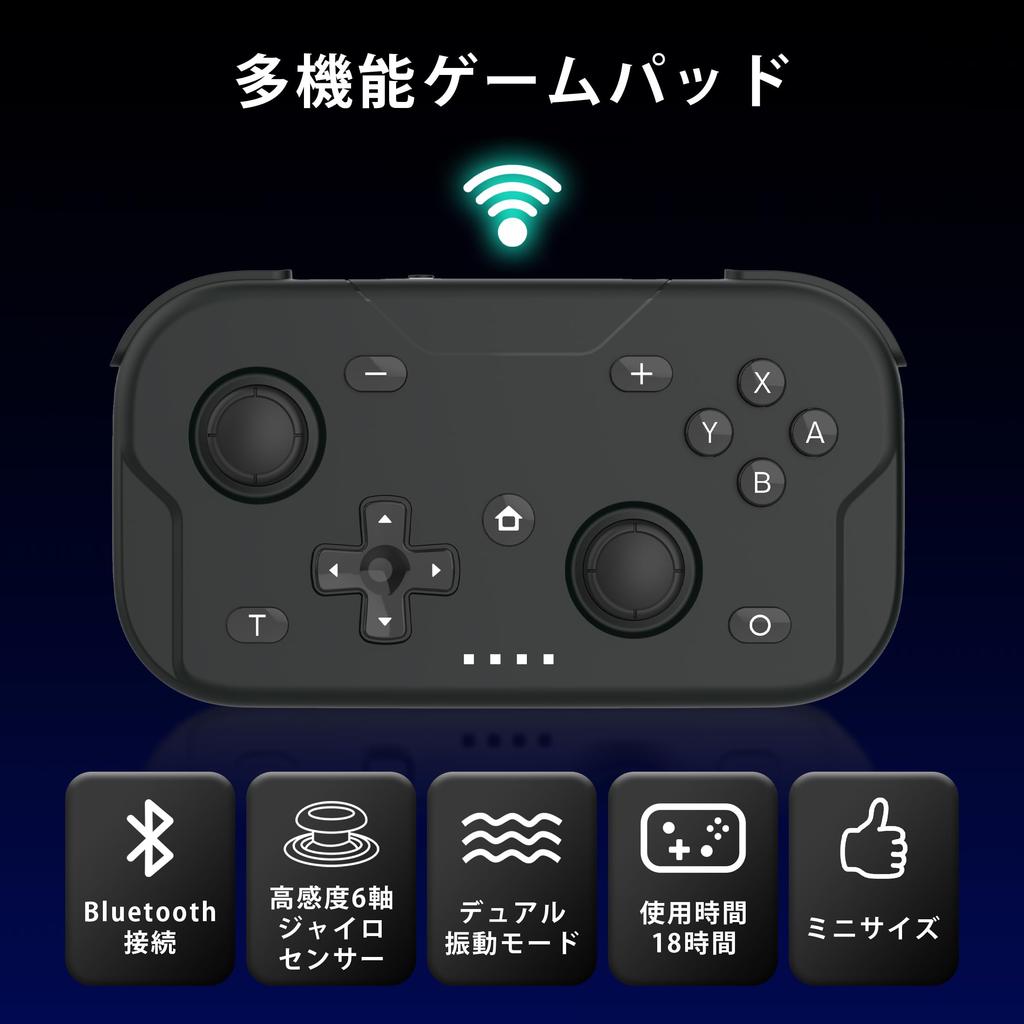
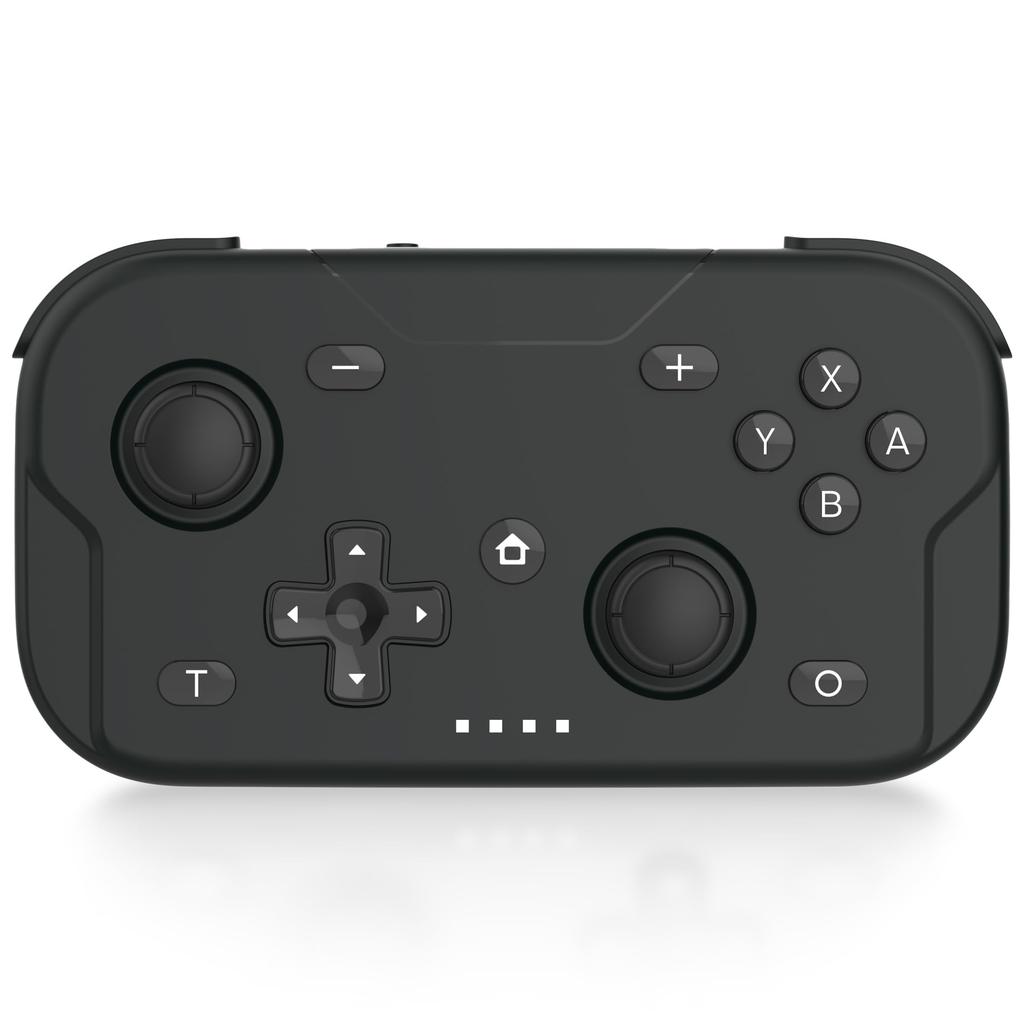
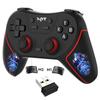
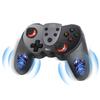
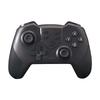
[Multifunctional Gamepad] A compact wireless game controller compatible with Switch 2, Switch, Switch Lite, Switch OLED model consoles, and PC's XBOX mode. *Although the instruction manual for this product does not mention compatibility with "Nintendo Switch (including OLED model) / Switch 2," we have confirmed its operation through our internal testing. Please note that we cannot guarantee operation in all environments.
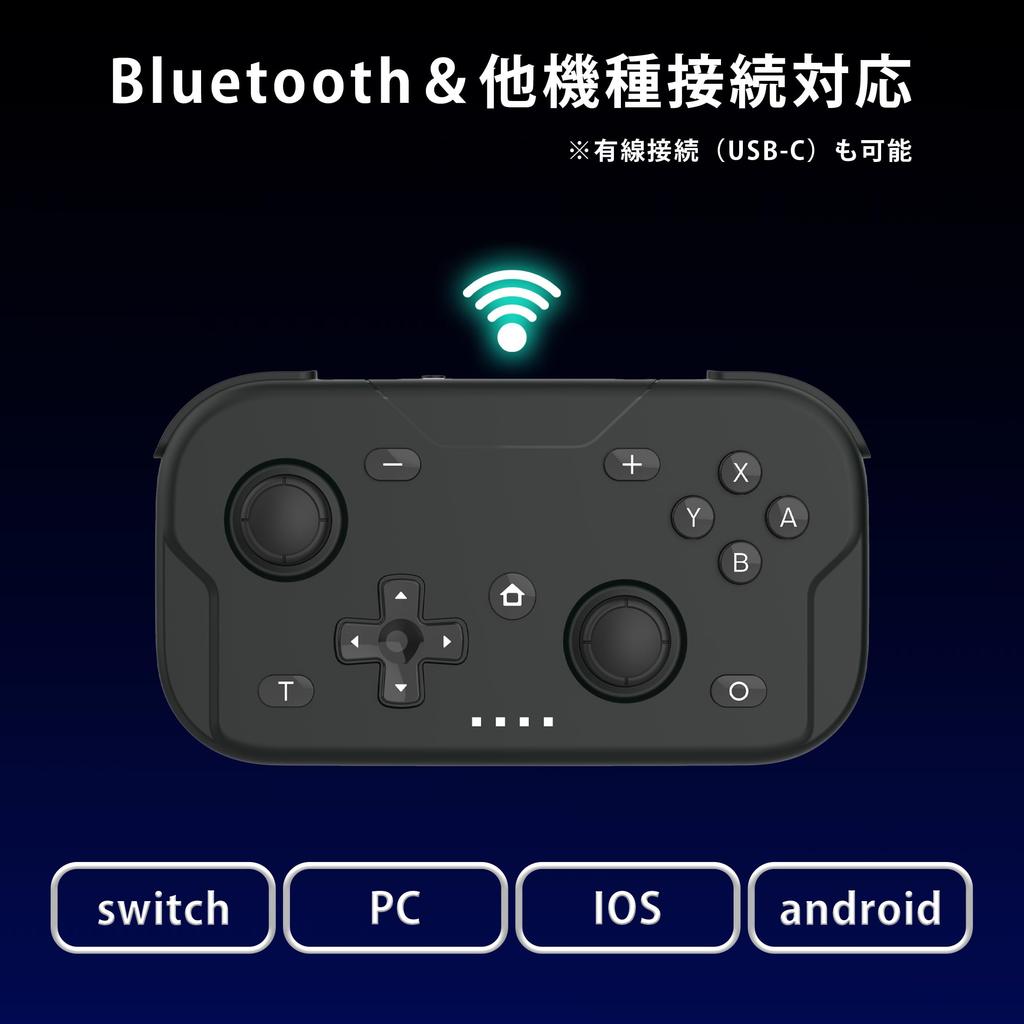
[Bluetooth Connectivity Compatible] Easily plug and play with wireless and wired connections. *Wired connection (USB-C) is also possible. *Instructions for Bluetooth pairing are included in the instruction manual.
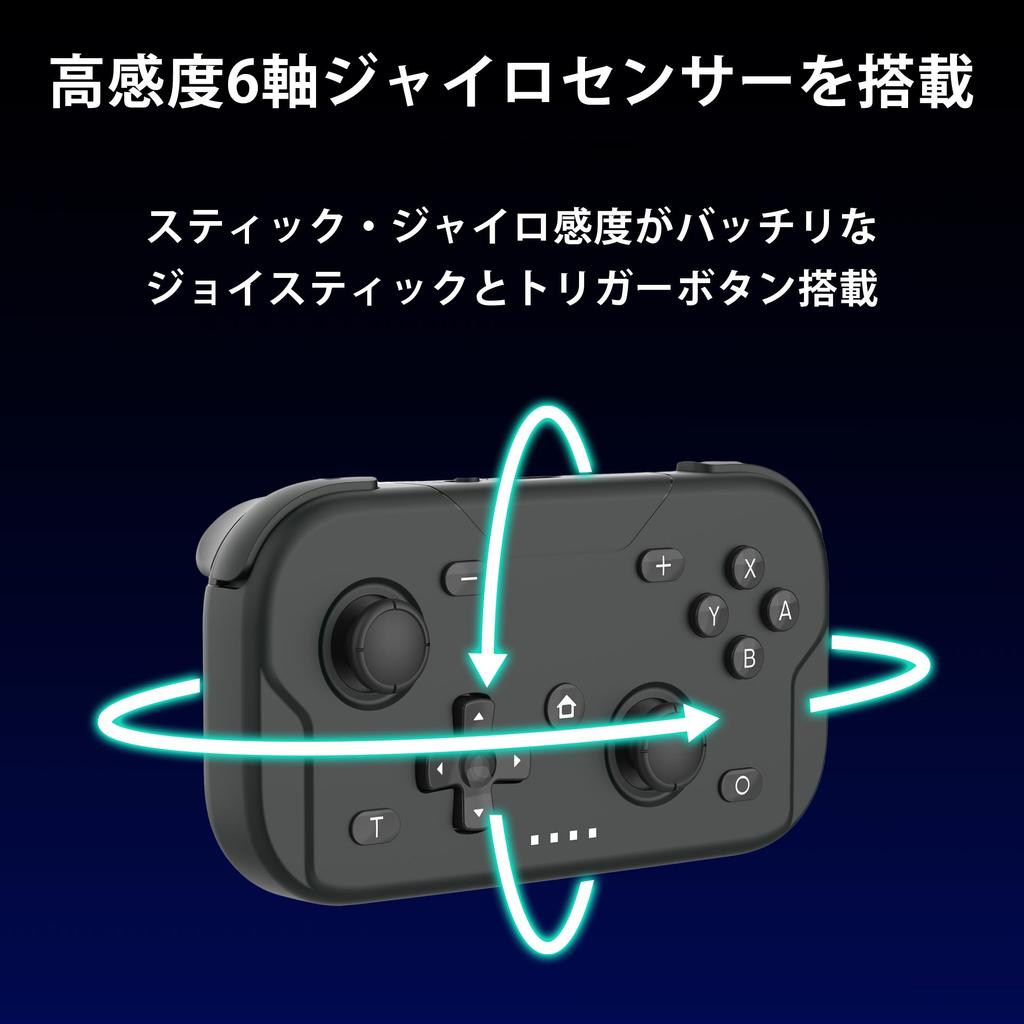
[6-axis gyro sensor included] Intuitive control for effortless fun. The 6-axis gyro sensor ensures precise and delicate movements. High-sensitivity sticks and trigger buttons allow for comfortable gameplay across all genres.
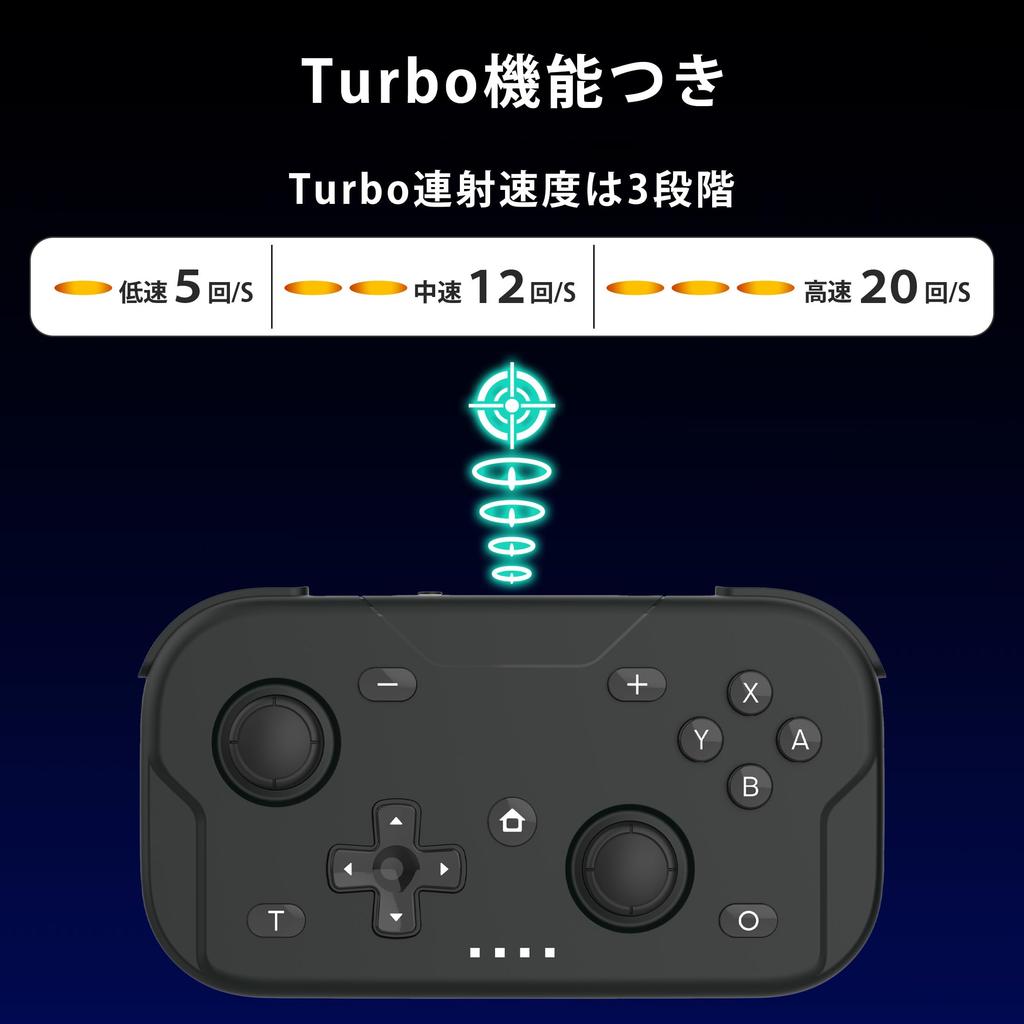
[Turbo function included] Turbo rapid-fire speed has 3 levels (high speed 20 shots/second, medium speed 12 shots/second, constant speed 5 shots/second)
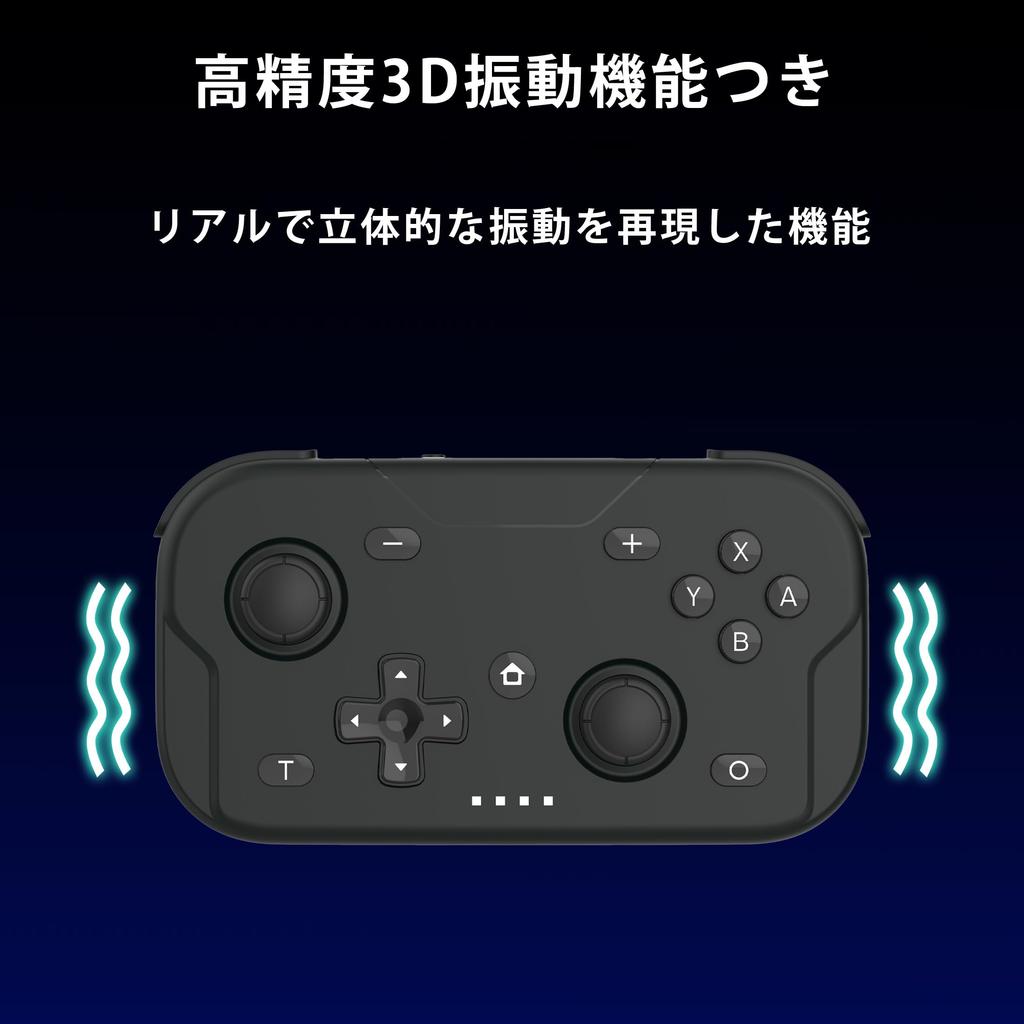
[High-precision 3D vibration function] Realistic vibration transmitted to your hands. High-precision 3D vibration dramatically enhances the immersion of games. It is also perfectly suited for action and motion-controlled games.
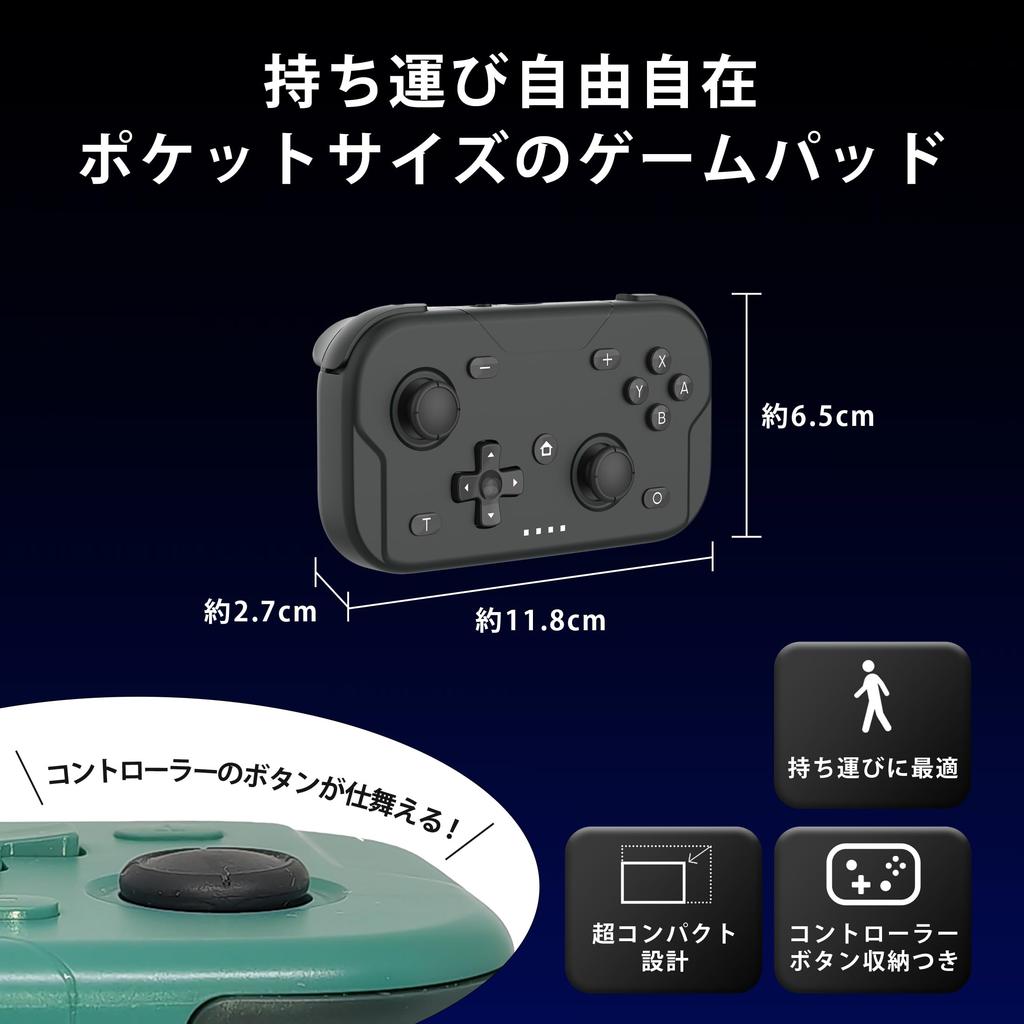
[Compact size for easy portability] Designed to be compact and easy to carry. Weight: approx. 80g, Size: Height x Width x Depth = approx. 6.5 x 11.8 x 2.7cm *Includes controller button storage
The XPT Controller Gamepad is an ultra-lightweight, pocket-sized wireless gamepad compatible with Switch 2, Switch, Switch Lite, Switch OLED models, and PC's Xbox Mode. It features a high-sensitivity 6-axis gyro sensor to detect controller tilt and movement. It also boasts high-precision 3D vibration, reproducing realistic and three-dimensional vibrations. When playing motion-controlled games, the vibrations are clearly transmitted to your hands, enhancing the immersive gaming experience. A screenshot function allows for easy one-touch saving of game images. To connect to the Switch: Move the mode switch to the S position. Bluetooth connection: Press and hold the Home button for approximately 3 seconds to turn on the controller. The status indicator light will flash while scrolling left and right, indicating that it is entering Bluetooth pairing mode. (Pairing is required only for the first connection.) To customize: Open "Controllers" on the Switch's Home screen, select "Change Waiting/Order," and wait for the controller to connect to the console. Once connected, the status indicator light will illuminate.
How to use the Home button: With the controller in sleep mode, a short press of the Home button will cause the status indicator light to scroll left and right and blink slowly, connecting to the previous Bluetooth device. With the controller in sleep mode, a long press of the Home button for about 3 seconds will cause the status indicator light to scroll left and right and blink rapidly, entering Bluetooth pairing mode. With the controller powered on, a long press of the Home button for about 5 seconds will put the controller into sleep mode. A long press of the Home button for about 10 seconds will reset it. Turbo function: The Turbo rapid-fire speed has 3 levels (high speed 20 times/second, medium speed 12 times/second, constant speed 5 times/second). The rapid-fire function can only be set on buttons A, B, X, Y, L, R, ZL, and ZR. Pressing the T button while pressing the target button will enable the rapid-fire function. To disable the rapid-fire function, press the T button again while pressing the target button. While holding down the T button, you can change the rapid-fire speed by pressing the right stick R3 button up or down. Storage method: When storing, use the lockers located on the back of L3 and R3 respectively.
While sliding the lift switch in the direction of the arrow, press down on L3 and R3 respectively. When in use, slide the rocker wrist switch in the direction of the arrow, and L3 and R3 will automatically return to their original positions.


 No-delivery refund

![Sanliova Wireless Controller Compatible with Switch, Bluetooth Switch Controller Gamepad Joystick with Rechargeable Battery Dua[J68]](https://img.joomcdn.net/ae8144d417b006a2a8881b2922e105b175b33569_100_100.jpeg)


![Switch Controller with Back Button [2023 Spring New Color Introduced] Sungale Switch Pro Controller Automatic FireFire Hold Macro Function Bluetooth 5](https://img.joomcdn.net/7f27eec63493cde00777ecde752f8b555573a22d_100_100.jpeg)