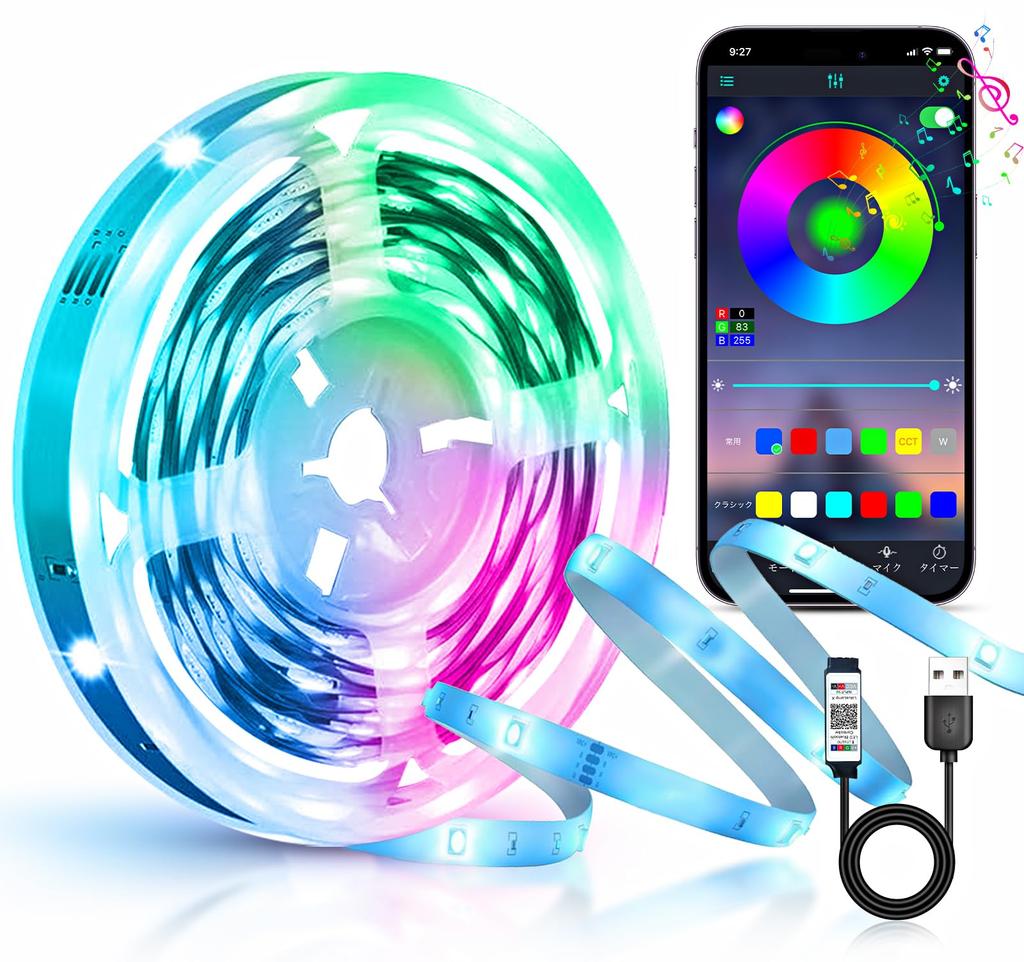
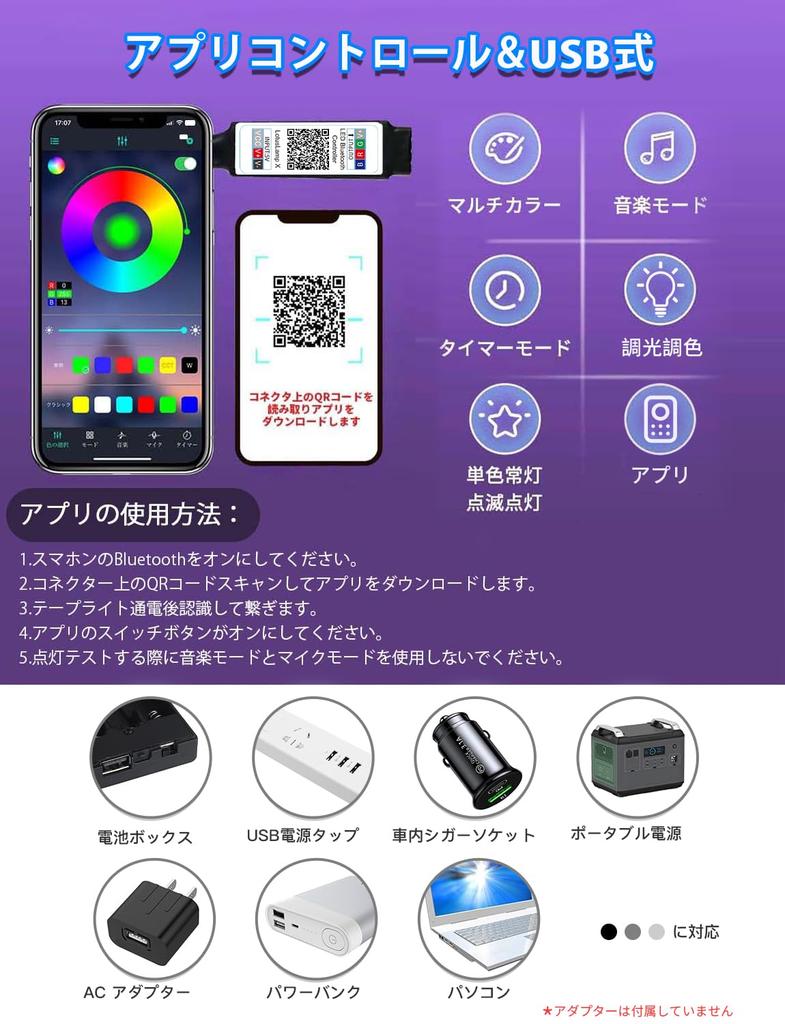
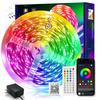
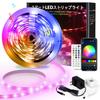
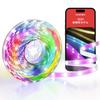
[Smartphone App Control] Easily control the light with the app, including on/off, color change, brightness adjustment, lighting pattern, flashing speed, music mode, and timer settings. The app lets you freely change 16 million colors. Satisfy various color needs with just one unit. You can also set a timer to automatically turn the light on/off at the specified time. *Remote control not included with the app version.
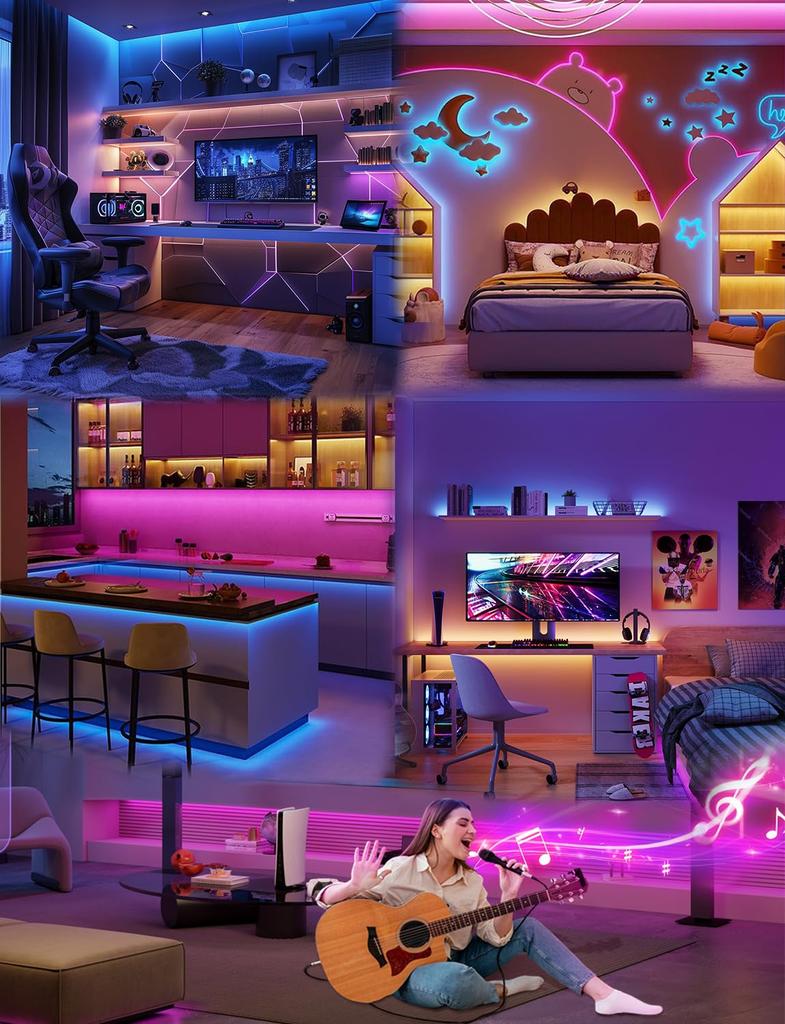
[Music Sync/Timer Function] This LED tape has music and microphone functions. The R/G/B light of the tape light changes in sync with the rhythm of music or voice, creating various lighting modes and creating a dreamy visual space.
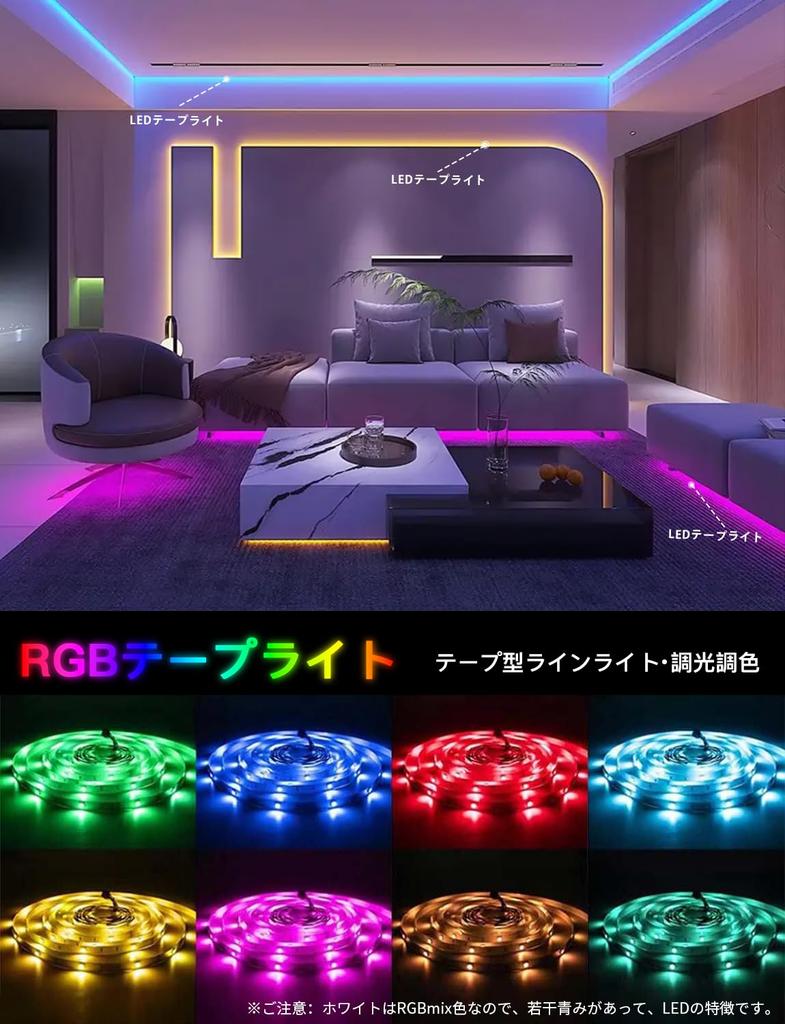
[16 Million Color Adjustable LED Light] Multi-color and stepless dimming allow you to adjust the color and brightness to suit any mood or occasion. Easily change the atmosphere of your room and create a stylish space. *Please note: The white color is an RGB mix, so it has a slight bluish tint, which is a characteristic of LEDs.
[Energy-saving and versatile indoor use] Ideal for indirect lighting in homes, rooms, hallways, walls, ceilings, stairs, and entryways. Also useful for sign lighting, wall beautification, bars, clubs, izakayas, restaurants, holiday Christmas decorations, and party atmosphere creation. *Non-waterproof indoor use only.
[Easy USB installation] Thin flexible line light with double-sided tape, ideal for straight lines as well as curved cove and cornice lighting. *Please note: Once cut, the remaining part cannot be reused without a connector (sold separately).
[Product Specifications] Length: 5 meters, Spacing: 16 LEDs/m, USB Voltage: Low 5V; *Note: This is a USB strip light, so an adapter is not included. Please use a 5V adapter. This product is suitable for beginners. If you need a brighter strip light, you can purchase neon lights and waterproof strip lights at IKERY JP stores!
[Contact Us] We take every precaution to ensure the quality of our products, but if you have any questions about our products, please contact us using the following methods: 1) Click on the seller [IKERY JP] below the Add to Cart button → [Ask a Question] 2) Click on Account Services in the top right → Order History → Select the order in question → Contact the seller