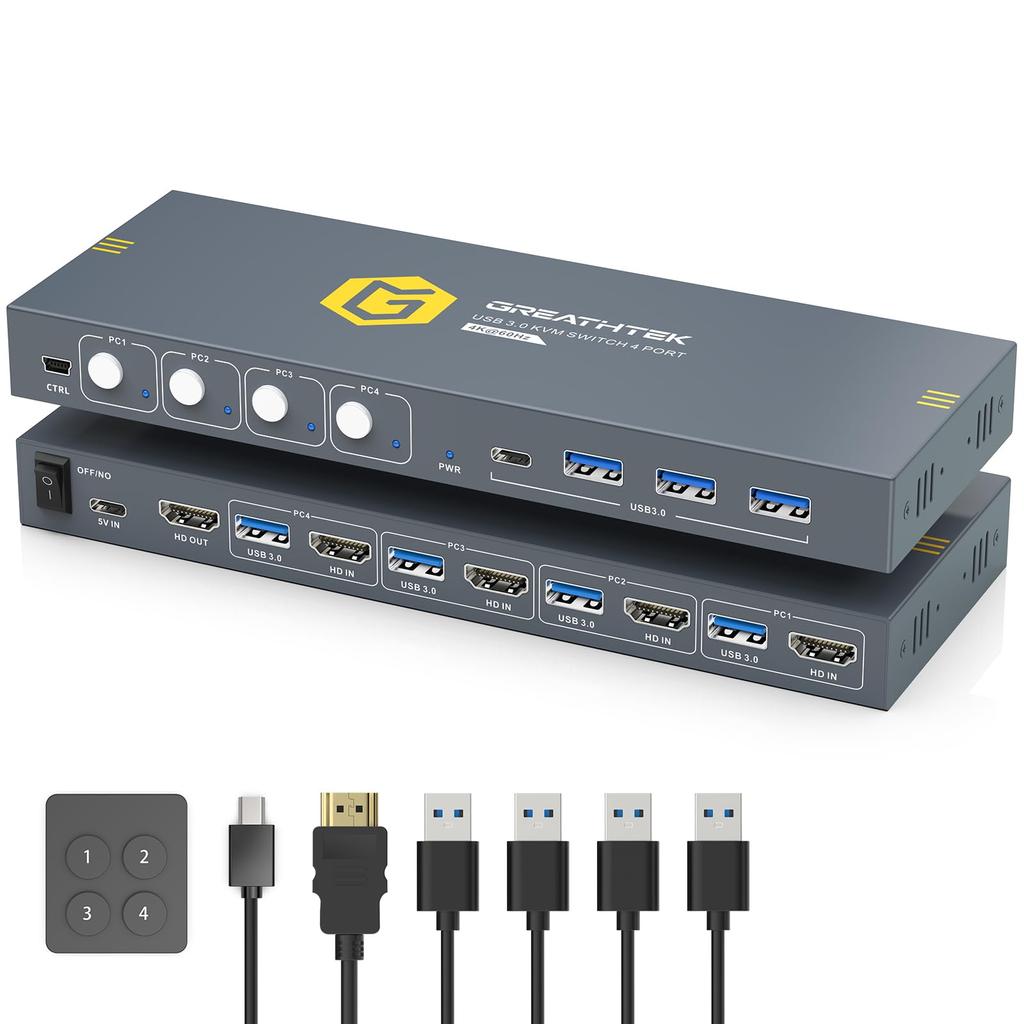
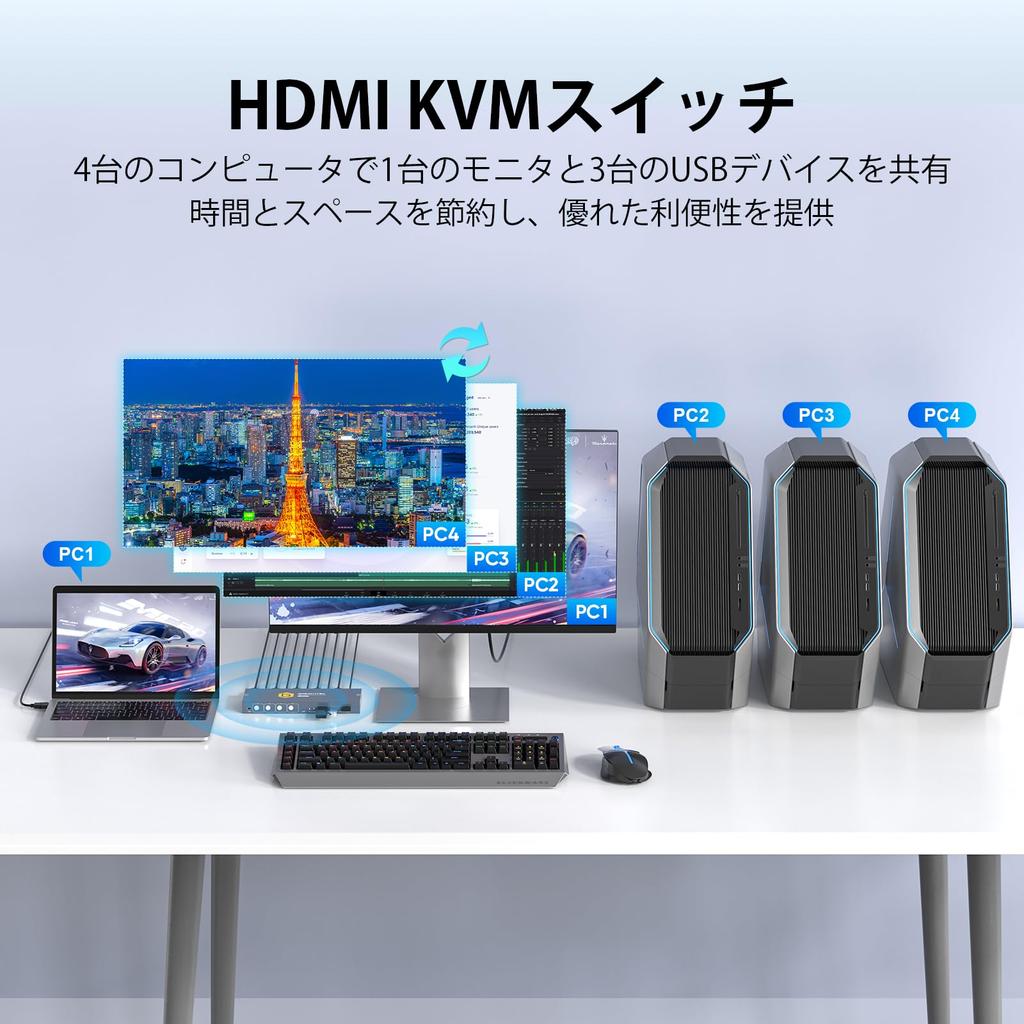
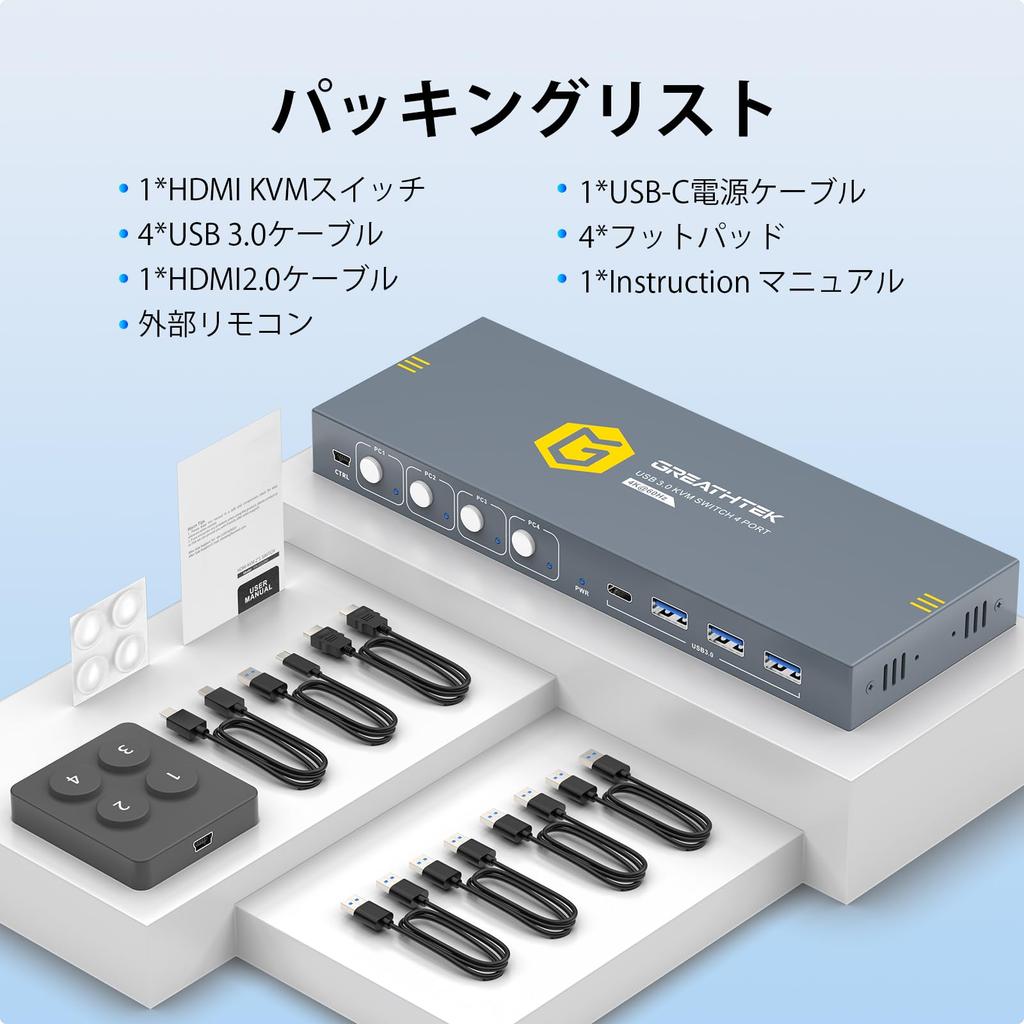
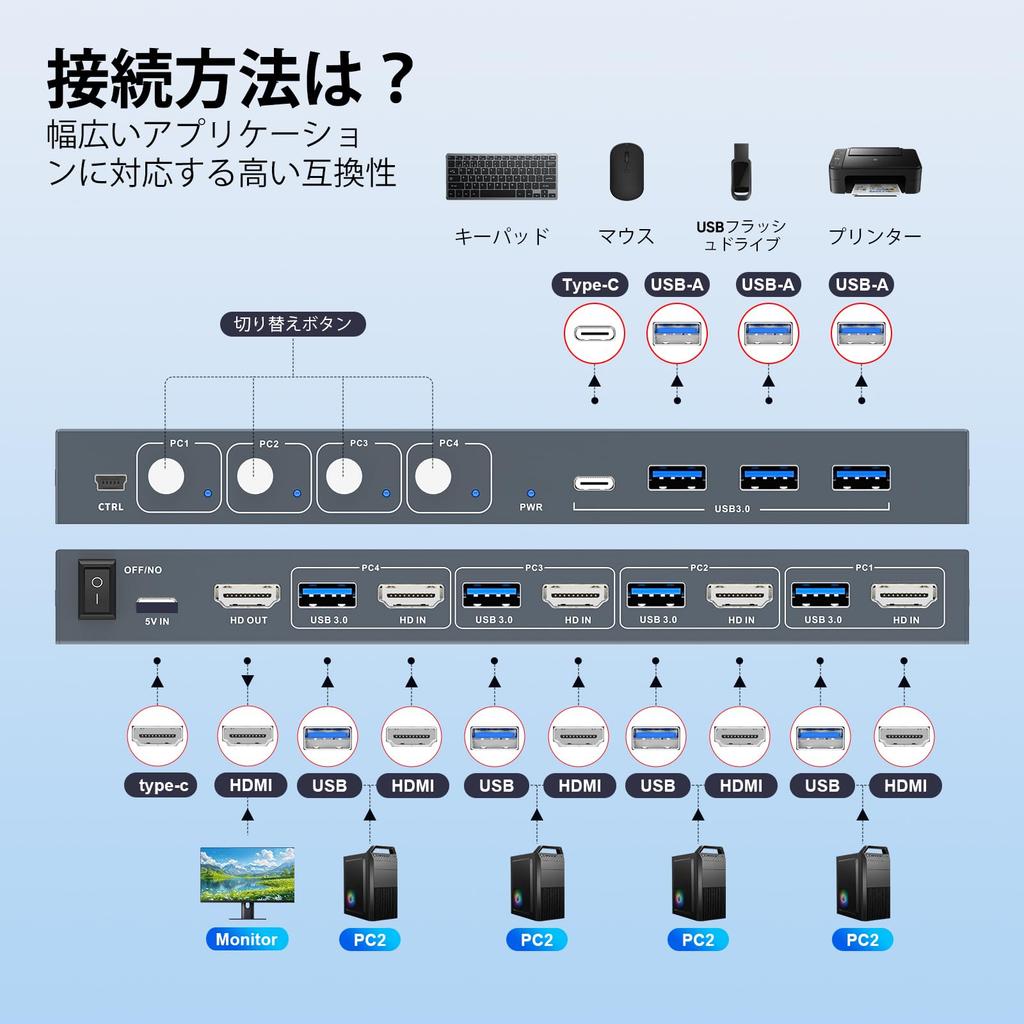
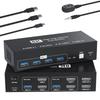
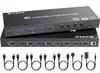
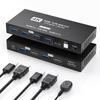
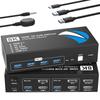
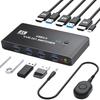
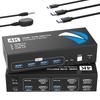
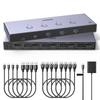
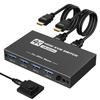
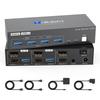
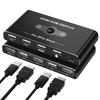
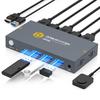
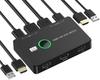
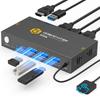
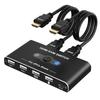
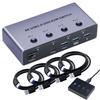
【4-Input 1-Output HDMI KVM Switch】This 4-unit KVM switch allows you to control up to 4 computers with one keyboard and mouse, share one monitor and three USB devices simultaneously, and easily manage multiple devices. It eliminates the need to frequently change cables and equipment, effectively reducing clutter and saving space. The LED lights on the 4-unit KVM switch clearly indicate which computer is running, making real-time monitoring convenient.
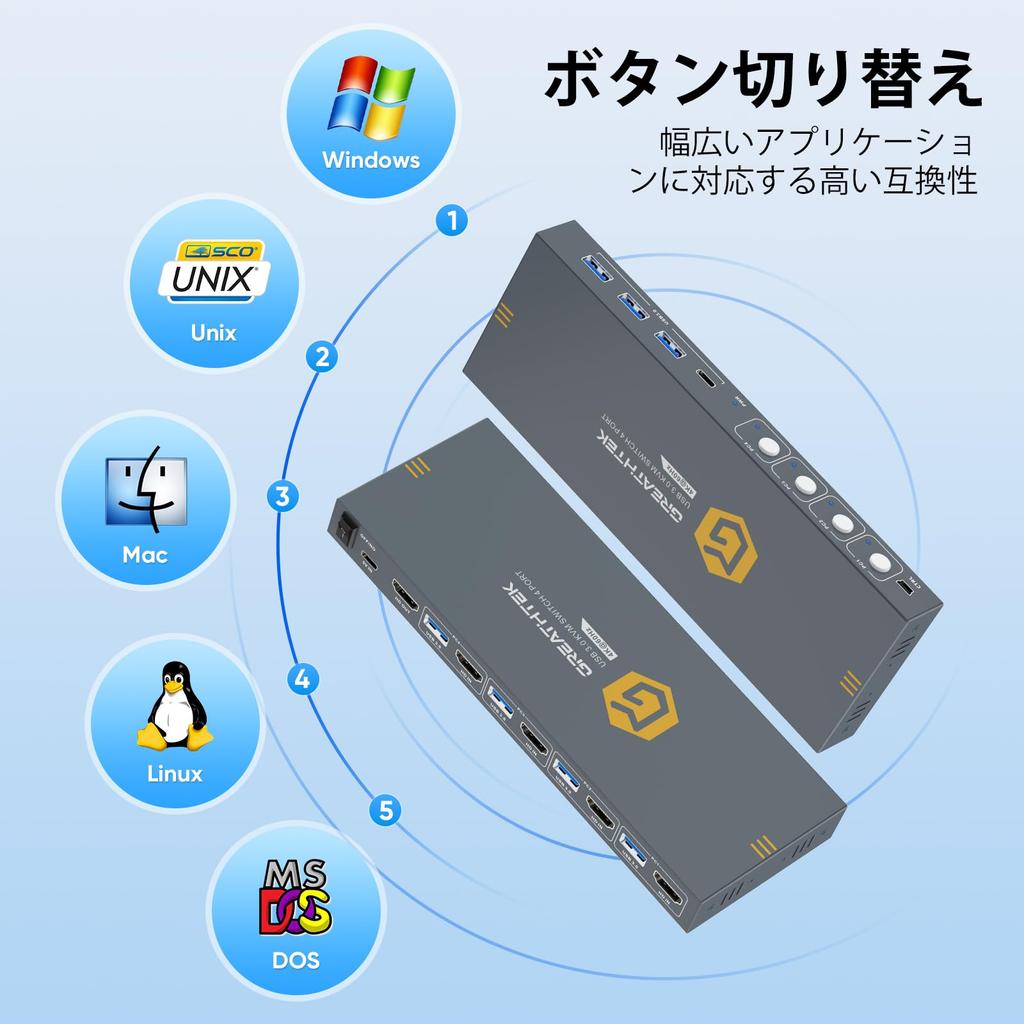
【Plug and Play 4-Unit HDMI KVM Switch】After installing this 4-unit KVM switch, it can be used immediately without installing any drivers. The 4 buttons on the HDMI KVM switch allow you to quickly switch between computers with a light press, making it easy and intuitive to operate. It can be widely applied in offices, homes, financial companies, and designer work environments.
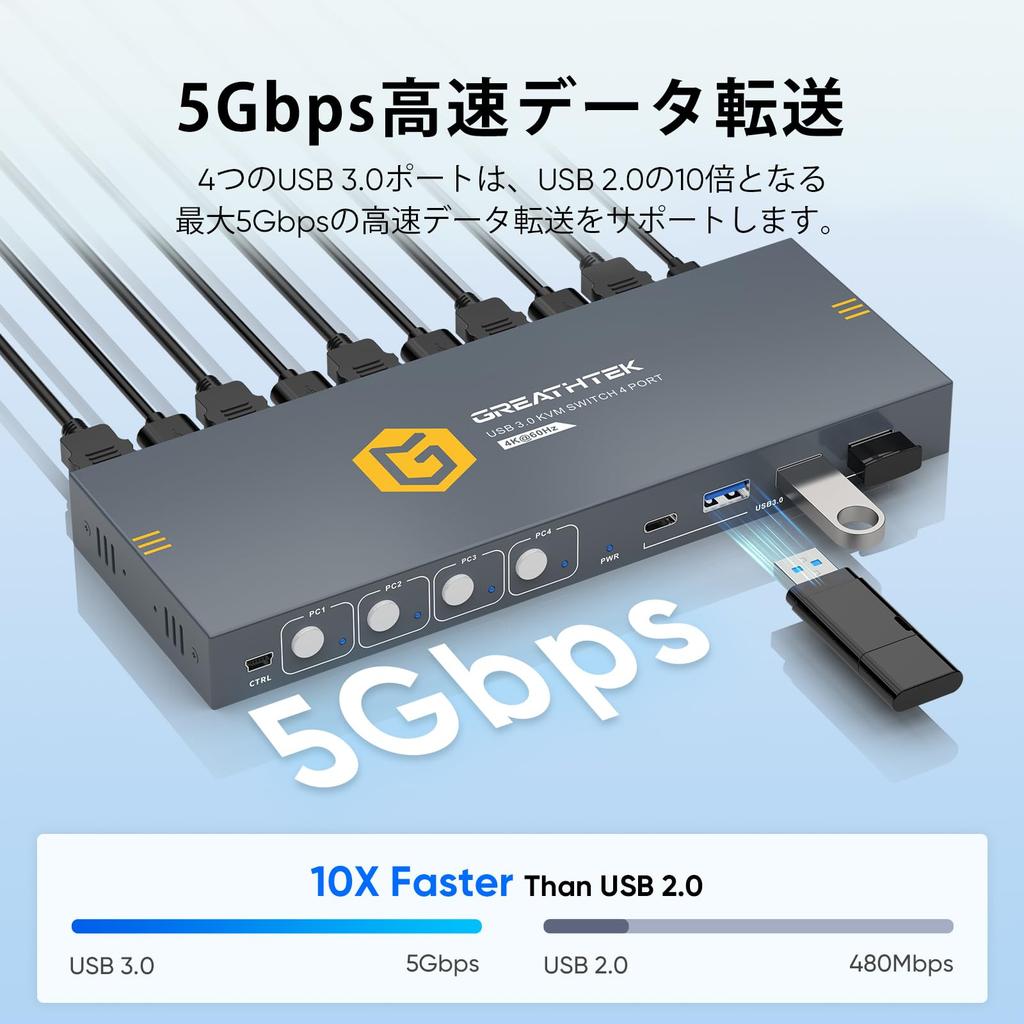
【4*USB3.0 Ports 5Gbps High-Speed Data Transfer】This HDMI KVM switch supports ultra-high-speed data transfer up to 5Gbps, allowing you to quickly transfer files and data in seconds. This KVM switch allows you to connect up to four USB 3.0 devices (1 * USB-C port + 3 * USB-A ports) simultaneously, such as a keyboard, mouse, printer, and USB flash drive, effectively improving productivity during remote work and eliminating the need for frequent cable routing. It is also compatible with USB 2.0 devices and can be used as a USB 2.0 switch.
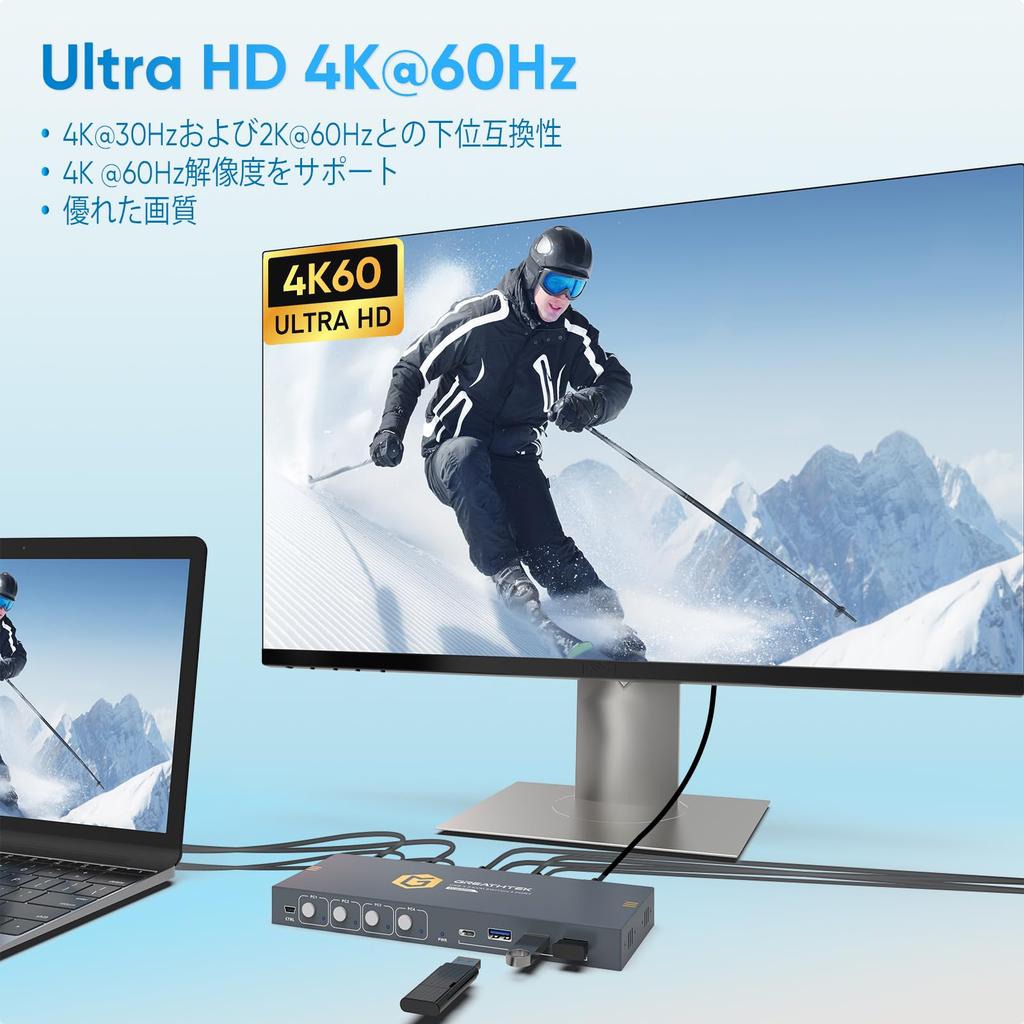
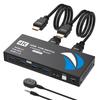
【Ultra High Definition 4K@60Hz Visual Enjoyment】This 4-unit KVM switch supports various resolution settings, reaching up to 4K@60Hz, and is compatible with 4K@30Hz and 2K@60Hz, making it particularly suitable for scenes requiring high-resolution display. For example, it provides an exquisite and realistic visual experience for video editing, game design, medical imaging, and high-end surveillance systems. To ensure the best results, please ensure your computer supports the required 4K resolution and connect with a compatible HDMI 2.0 cable.
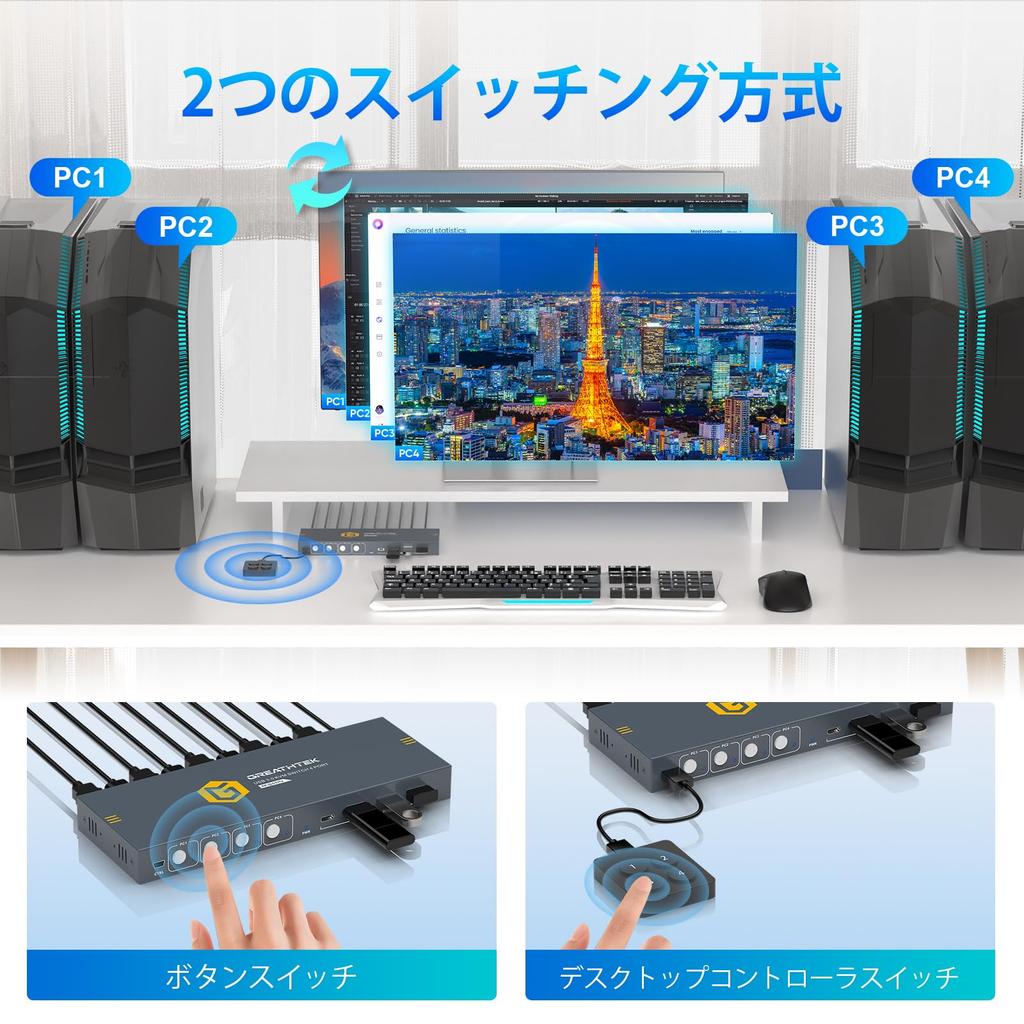
【Two Switching Methods】This KVM switcher offers two convenient switching methods: panel buttons and an external wire controller. A light touch of the button next to the panel indicator light allows you to quickly switch between computers. Additionally, you can use an external wired controller to switch directly to the target computer using the corresponding numeric keys, keeping the host remote and your desktop tidy. Note: This device does not support keyboard shortcut switching.